
Creating an order
Build a sale on the checkout page, place it or save it as a draft, and know when stock moves.
User guide
Build a sale on the checkout page, place it or save it as a draft, and know when stock moves.
You create a sale on the checkout page: Orders → Manage orders → Create order. You add products, choose a customer, pick how the goods leave the store, and place the order. The server prices every change as you work, so the figure at the top of the page is the amount the order will ask for.
Who can do this: staff with the Create orders permission. The built-in Admin, Store Admin and Cashier roles have it.
An order has three separate statuses: the order itself, its payment and its fulfilment. When you create one, you choose its first order status:
The payment starts as Pending in both cases. You record money on the order after it is placed. See Recording payments & deposits.
2.55, and the line shows its unit.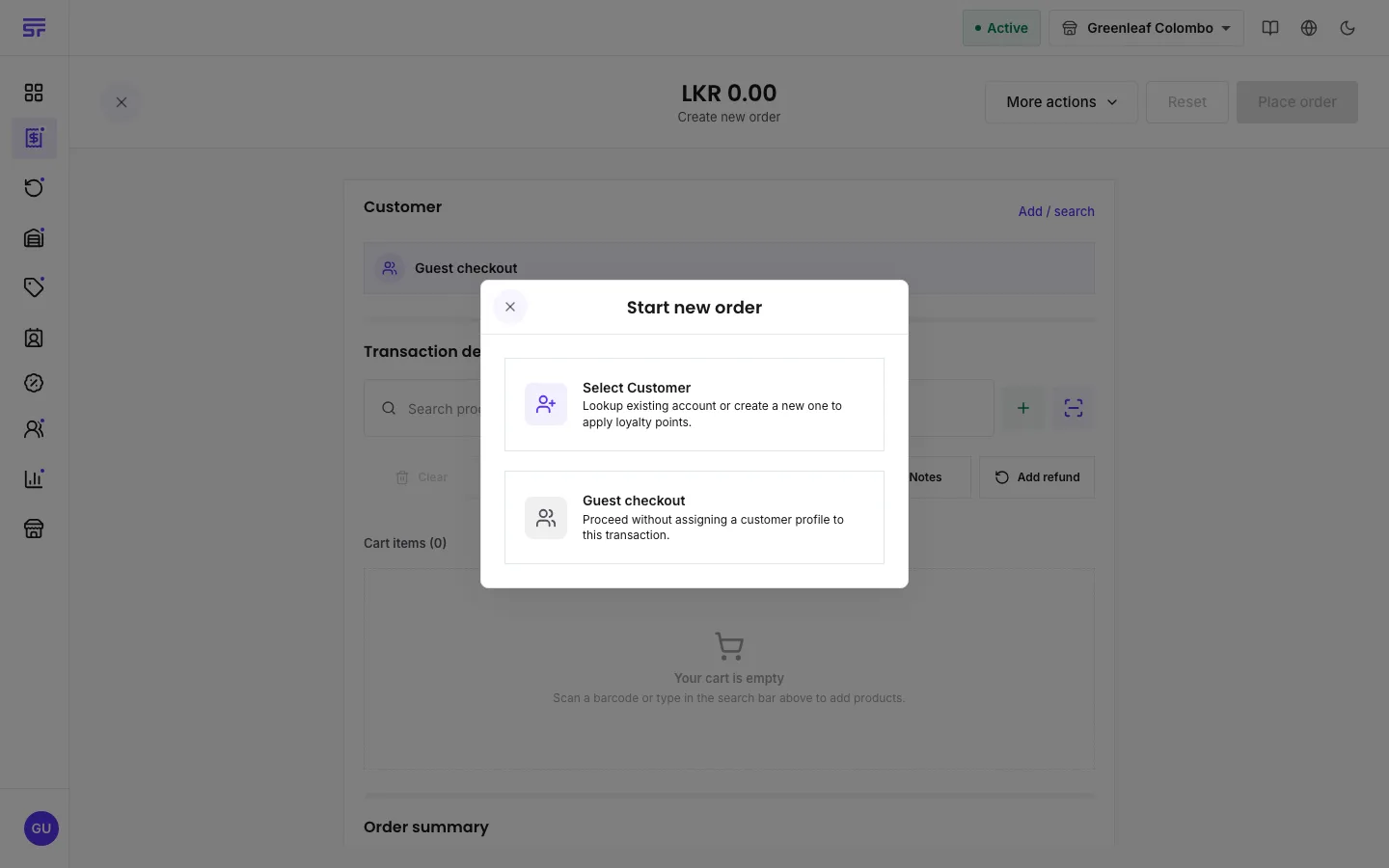
If the order asks for a deposit, a dialog titled Order placed shows the Deposit due now. Press Record deposit to take it, or Later to take it from the order page afterwards.
| Field | What it does |
|---|---|
| Customer | Who the order is for. Required unless you choose Guest checkout. |
| Cart items | One line per product. Each line has its quantity, and can carry its own discount, a price override (where the product allows it) and a charge. |
| Add custom item | A one-off line that is not in your catalogue, with a name, price and quantity. |
| Add refund | Spends a store credit from a refunded return on this order. It appears as a negative line. |
| Payment details | How the counter sale will be paid. The money itself is recorded after the order is placed. |
| Fulfillment details | The fulfilment type, plus the address, delivery zone, delivery date or table that type needs. |
| Deposit (set by hand) | Shown when a line asks for a deposit. Leave it empty to use the rule, or type your own figure. Zero means no deposit. |
| Order summary | How the total was reached, row by row, in the order the server works it out. |
ORD-001-260902-0018: the store's number, the date in the
store's time zone, and a counter. Two tills can never get the same number. Gaps in the
sequence are normal, because a refused checkout uses no number.| Symptom | Cause | Fix |
|---|---|---|
| Place order stays greyed out. | The cart is empty, no customer is chosen, a serialized line has the wrong number of serials, or a line still needs an answer or a date. | Read the caption under the cart. It names the line that is not finished. |
| "one or more items are out of stock" | The stock ran out between building the cart and placing it. | Check the stock of the lines, lower the quantity or remove the line, and try again. |
| "monthly order limit reached" | Your plan's monthly order allowance is used up. | Wait for the count to reset, or change plan. See How plans work. |
| "fulfillment options are not available on your current plan" | Your plan only includes in-store orders. | Use In store, or change plan. |
| A store credit is refused with a message naming another order. | Another till spent that credit a moment earlier. | Remove the credit line from this order and choose another way to pay. |
How pricing works · Order status · Recording payments & deposits · Fulfilment status & types