
Linking products to stores
Link catalogue products to a store so it can sell them, and why unlinking is refused while stock remains.
User guide
Link catalogue products to a store so it can sell them, and why unlinking is refused while stock remains.
A store sells only the products that are linked to it. The Link products page manages these links for the store selected in the top bar.
Who can do this: linking and unlinking need the inventory link permission. The Administrator and the Admin, Store Admin and Inventory Manager roles have it. Cashiers and Reports Viewers can open the page but not change links.
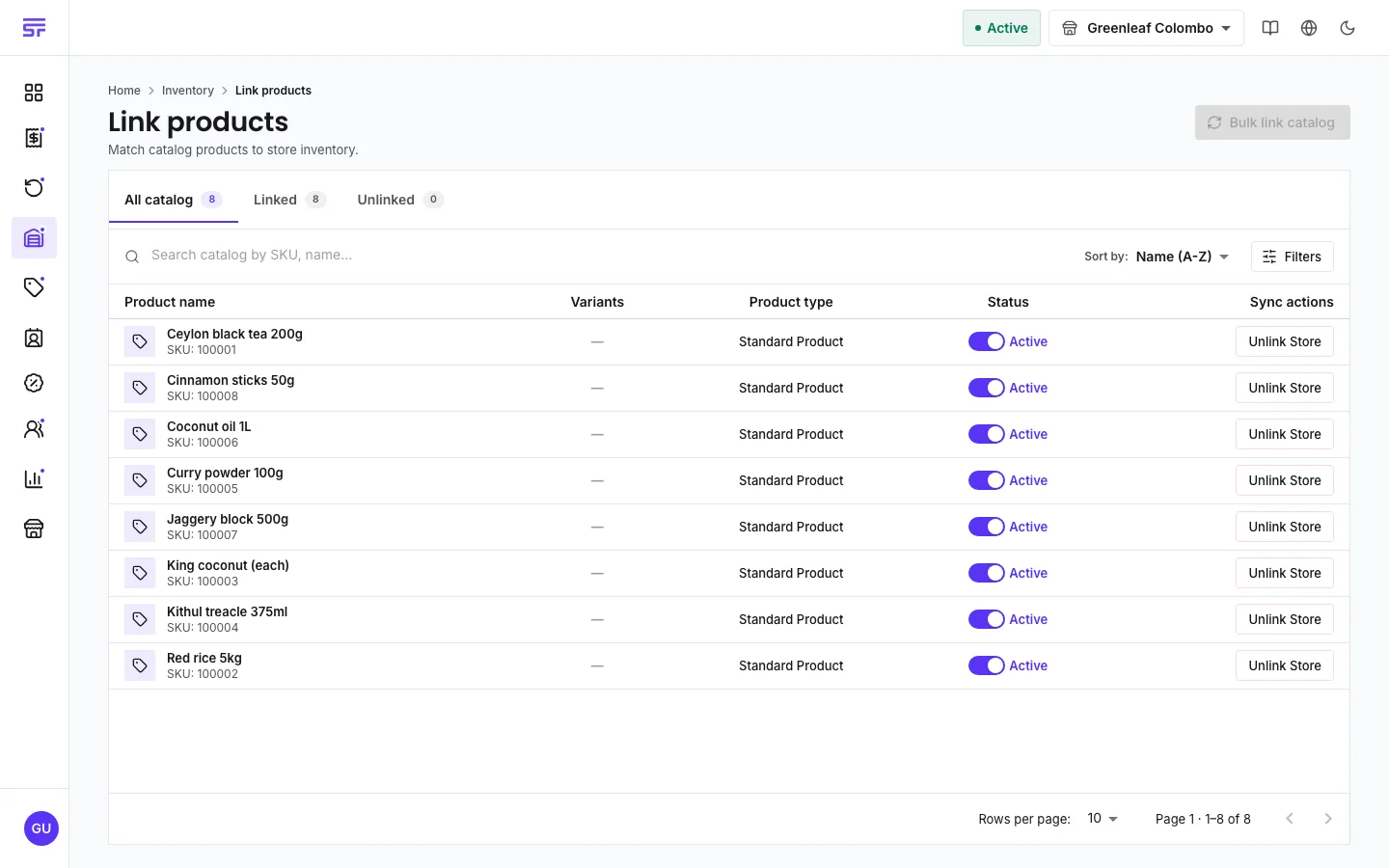
This is not a second product list. It compares your business catalogue with this store's stock records:
Each store has its own links, so switching stores in the top bar changes what you see.
To link every unlinked product at once, select Bulk link catalog.
You can also link a product to stores when you create it.
Unlinking deletes this store's stock record for the product, with its batches, serial numbers and history. There is no undo.
| Symptom | Cause | Fix |
|---|---|---|
| Link Product and Unlink Store are missing. | Your role cannot change links. | Ask someone with the Store Admin or Inventory Manager role. |
| Bulk link catalog says there is nothing to link. | Every catalogue product is already linked to this store. | Nothing to do. |
| A newly linked product will not sell. | Linking does not add stock. | Add stock with Add inventory. |
| Unlinking is refused. | The product still has stock in this store. | Adjust it to zero first. |