
Invited staff: first sign-in
How to accept an invitation and create your staff account.
User guide
How to accept an invitation and create your staff account.
Your Administrator added you to the team, and SellerTower sent you an invitation email. You create your account by opening the link in that email.
Who can do this: anyone who received an invitation email.
Before you start: you need the invitation email. You also need the business alias to sign in later. Ask the person who invited you for it, and write it down.
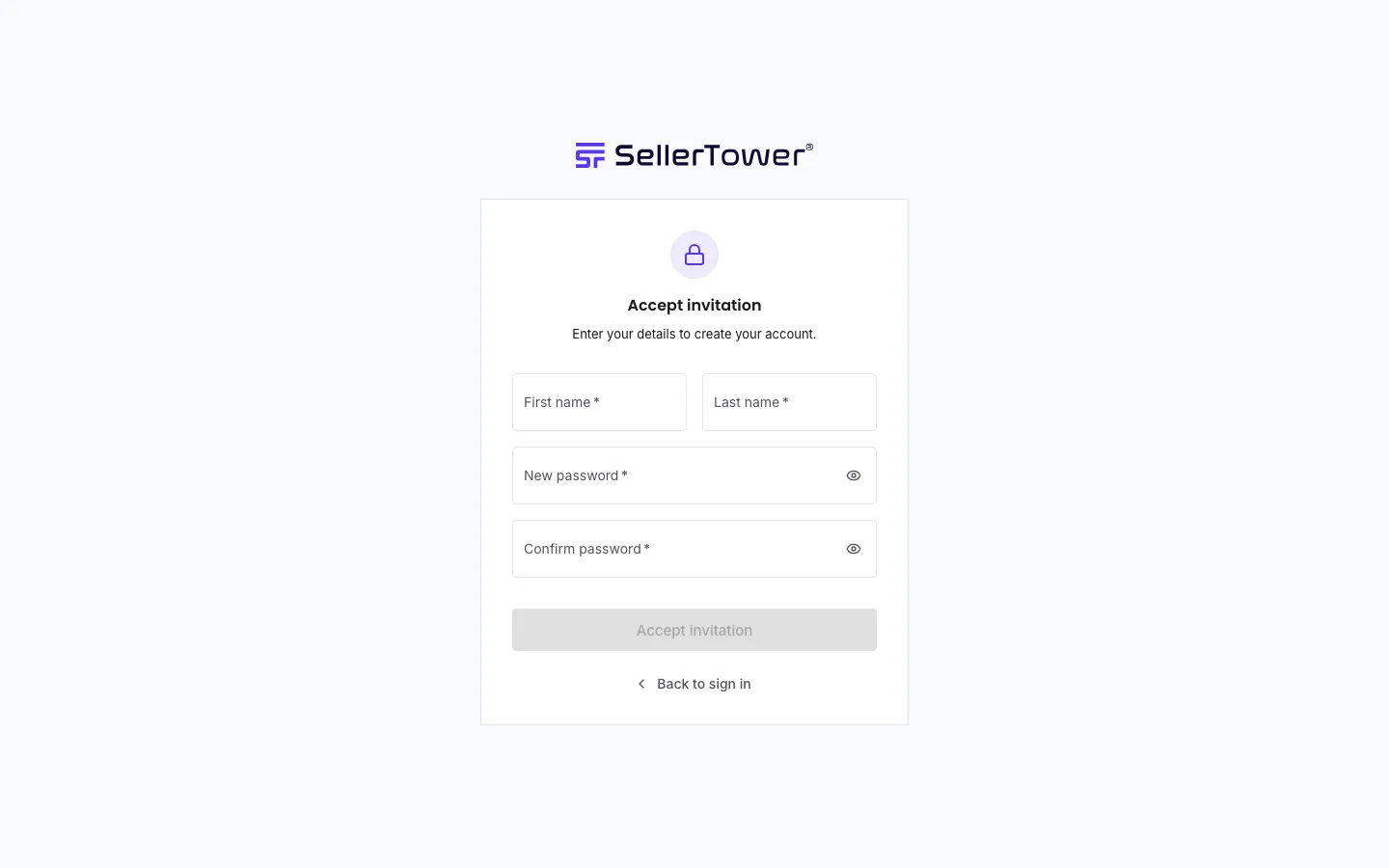
You see "Invitation accepted". Then press Go to sign in.
Each time you sign in, choose Staff, then enter the Business alias, your email address and your password. See Signing in.
What you can see and do in the app depends on the roles the Administrator gave you. See Roles & permissions.
Your account takes one of the business's staff seats when you accept the invitation, not when it is sent. If no seat is free at that moment, you cannot join yet, but your link still works. Once the Administrator frees or buys a seat, you can accept with the same link.
| You see | Why | What to do |
|---|---|---|
| "This invitation link is invalid or has expired." | Invitation links only work for a short time, or the link was already used. | Ask your Administrator to send the invitation again. |
| "We couldn't check your invitation just now. Please try again in a moment." | A network problem. The link itself may be fine. | Wait a moment and open the same link again. |
| A message that this workspace cannot add you right now | The business has no free staff seat. | Tell your Administrator. Try the same link again after they free or buy a seat. |
| "Failed to accept the invitation. The link may have expired." | The link stopped working before you finished. | Ask your Administrator for a new invitation. |