Add a product with the two-step form, edit it, set its status, and the rules for deleting it.
A product is one record in your business catalogue, shared by every store. A store can sell it only after you link it to that store. Creating the product is the first step.
Who can do this: the Administrator and the built-in Admin and Inventory Manager roles can create, edit and delete products. Store Admins, Cashiers and Reports Viewers can look products up but not change them.
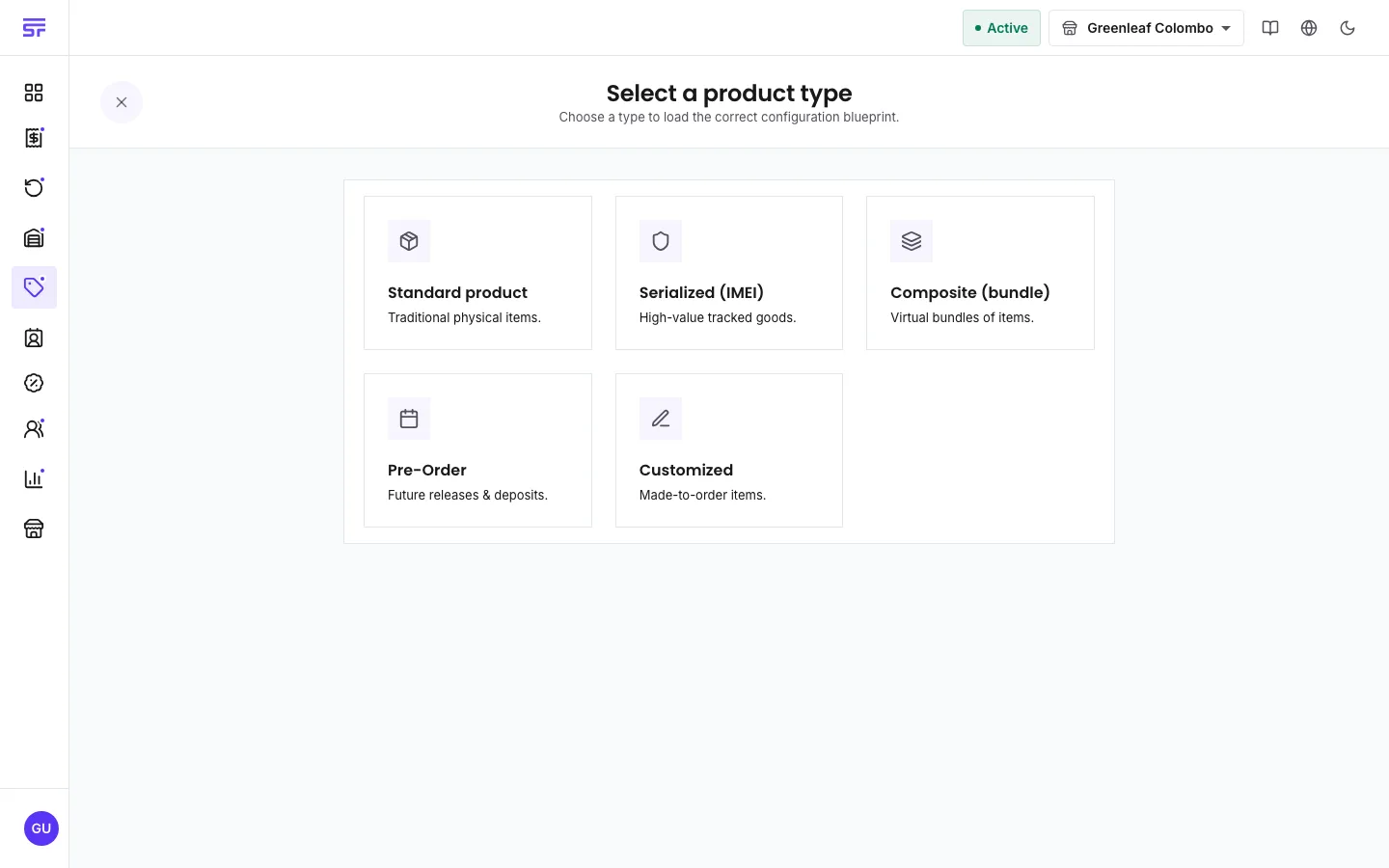
Decide the product type. You cannot change it after you save. See Product types.
If you sell the product by weight, length or volume (for example 2.55 kg of rice), plan to turn on Allow fractional quantities. See Sell by measure below.
Upload photos to the image library first, or do it from the form.
Some goods are sold by weight, length or volume instead of by the piece. To set this up:
Under Unit Measurement, choose the Base unit measure, for example Kilogram or Meter.
Turn on Allow fractional quantities.
For pricing, choose By weight / volume and enter the Price per unit, for example the price of one kilogram.
Orders can then take typed quantities such as 2.55 kg, and stock goes down by that exact amount. Returns can also take a measured quantity. Serialized products cannot be sold by measure. Low-stock levels for this product are in its own unit, so 10 means 10 kilograms.
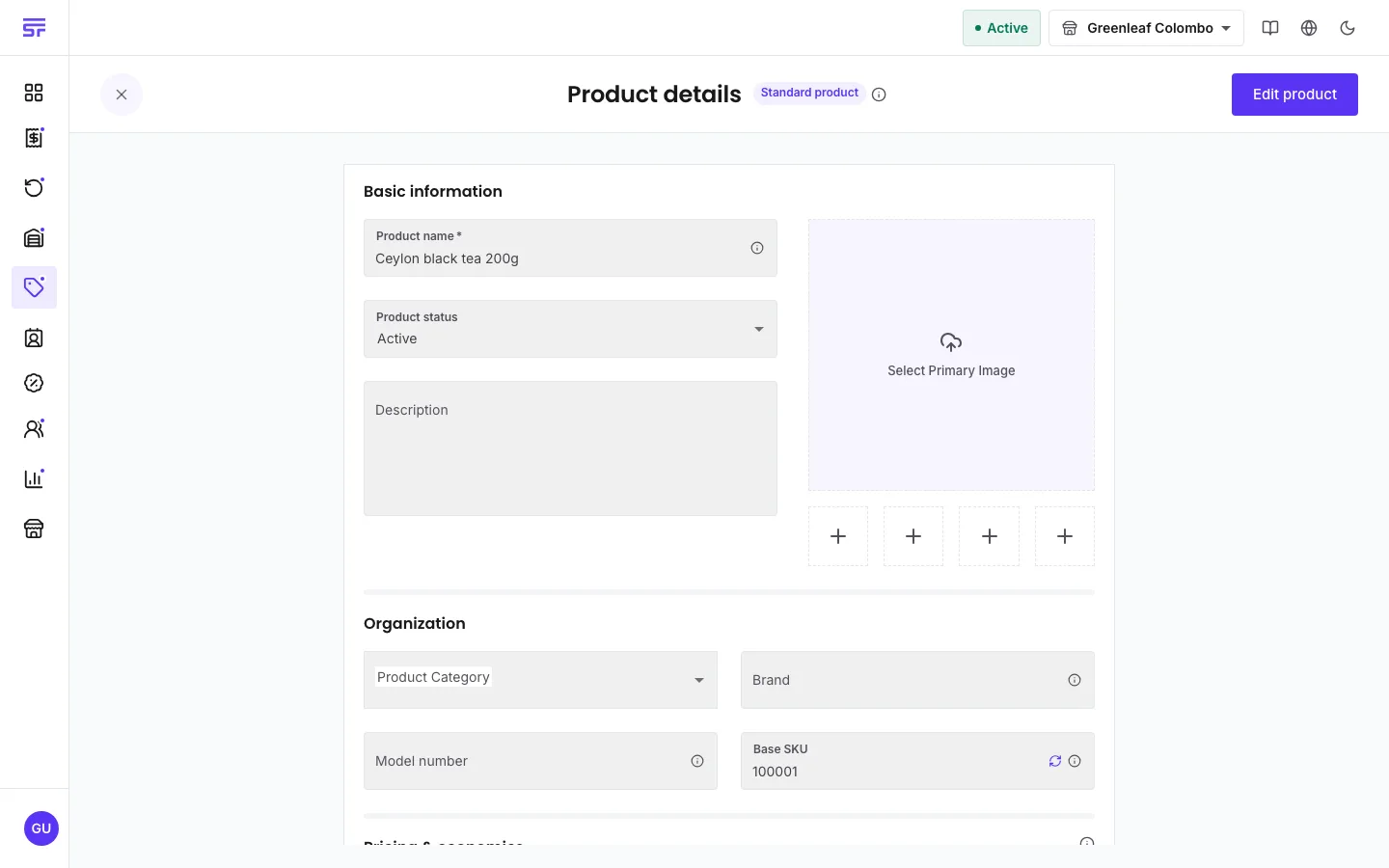
The product's detail page and its edit form are the same page. It opens read only. Select Edit product to change it. Only the fields you changed are saved. If you save with no changes, the app says "No changes detected".
Detail and edit are one page. Edit product switches it into editing.
Two people editing at once. If someone else saved the product while you were editing, your save is refused with a message that the record was changed by someone else. The page loads the latest version and keeps your typing on screen, so you can apply your change again.
Store links are separate saves. If the product saves but some store links fail, you see "Product created, but some store links failed". The product exists. Finish the links on Link products.
Linking starts at zero. A new link has no stock. Add stock with an intake or an adjustment.
Delete is permanent. The dialog asks: "Are you sure you want to permanently delete {name}? This action cannot be undone and will erase all associated inventory records."