
Exports & reports
Available on Scale
Print register reports, download CSV and PDF files, and schedule exports that arrive by email.
User guide
Print register reports, download CSV and PDF files, and schedule exports that arrive by email.
There are two places to take your data out, and the app says which to use: "For a report to read on screen or print, go to Reports. For a scheduled or large file, go to Exports."
Who can do this:
| Task | Permission | Built-in roles that have it |
|---|---|---|
| Open Reports | Generate reports | Admin, Reports Viewer |
| See Exports and download files already built | View exports | Admin, Reports Viewer |
| Build a new export | Run exports | Admin |
| Set up a schedule | Schedule exports | Admin |
Exports work across the whole business, so a role limited to chosen stores can never hold them. Store Admin does not have them.
Exports, and the CSV button on Reports, need the Available on Scale feature. Without it the CSV button shows a lock and opens an upgrade note.
The Z report shows takings, tenders, refunds, Refunds paid out, and the first and last order of the day. It counts orders by when they were completed, so a printed day never changes afterwards. Tenders are gross of refunds, and a split payment counts under each method it used. See Tenders. Inventory on hand needs the Available on Startup and above grade.
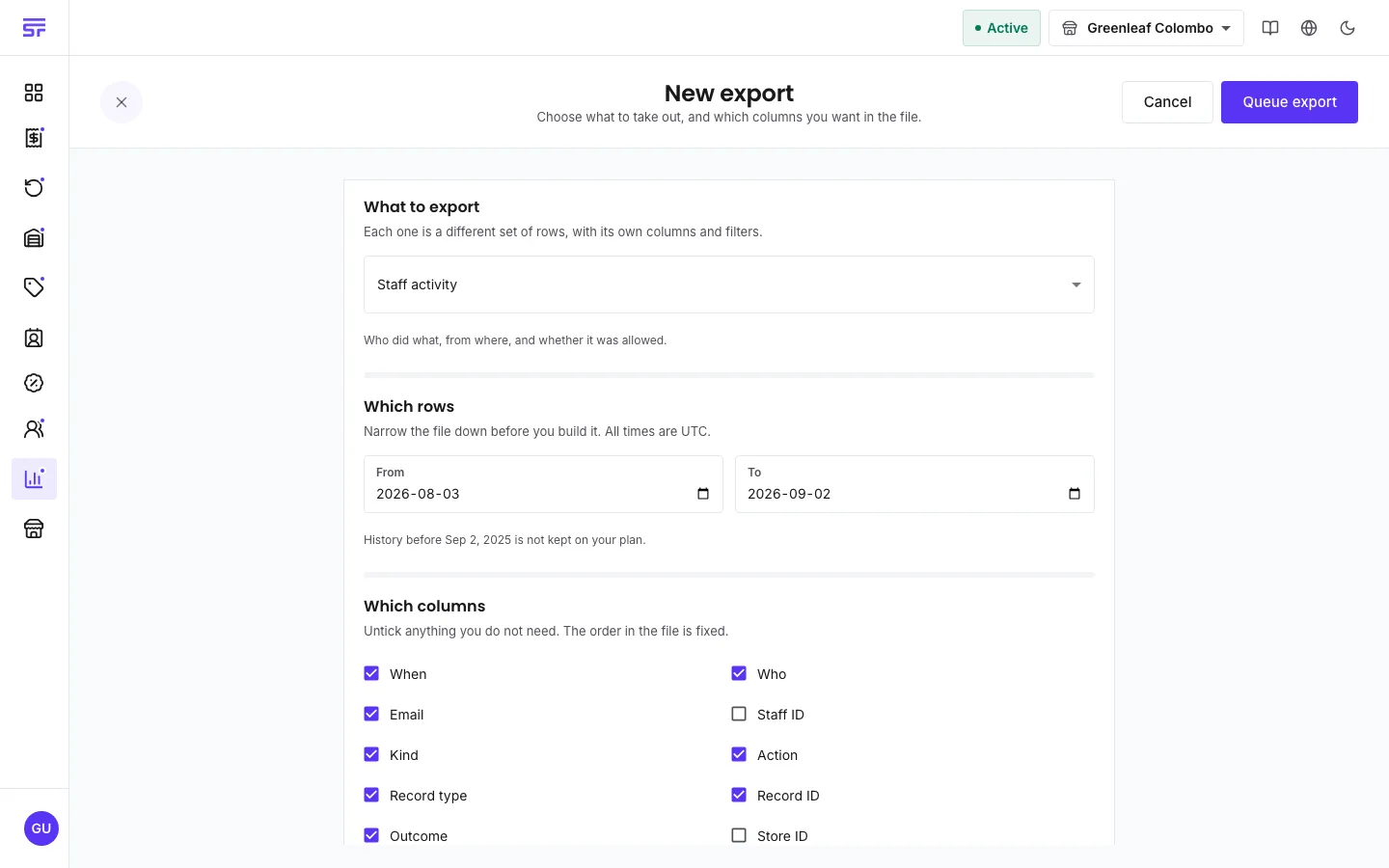
| Data | Family | Formats |
|---|---|---|
| Order change history, Inventory change history, Staff activity | History | CSV |
| Sales summary, Sales over time, Order breakdown, Product performance, Register report | Reports | CSV or PDF |
| Customer performance, Return breakdown | Reports, from the Available on Startup and above grade | CSV or PDF |
A daily export covers yesterday, a weekly one the previous 7 days, and a monthly one the previous calendar month. Each recipient gets an email with a link to open the exports. The file is available for 7 days.
| Symptom | Cause | Fix |
|---|---|---|
| The CSV button on Reports has a lock. | Your plan does not include exports, or you do not have Run exports. | Check your plan or your role. |
| "That range is too big for an instant download." | The file has too many rows for a direct download. | Press Queue export and collect it from the list. |
| A dataset is greyed out. | It needs a higher analytics grade or the exports feature. | Check your plan. |
| A schedule shows Paused with the word plan. | Your plan no longer includes exports. | Change plan to resume it. |