
Adjusting stock
Change stock by hand with a reason: the ten reasons, which way each one can move stock, and when a note is required.
User guide
Change stock by hand with a reason: the ten reasons, which way each one can move stock, and when a note is required.
An adjustment changes a stock figure by hand, for example after a delivery, a recount or breakage. Every adjustment needs a reason. The reason is not free text. It is a fixed choice that feeds your shrinkage reports, so the same event is always recorded the same way.
Who can do this: adjusting and receiving stock need the inventory add and edit permissions. The Administrator and the Admin, Store Admin and Inventory Manager roles have them. Anyone who can view inventory can open a stock page read only.
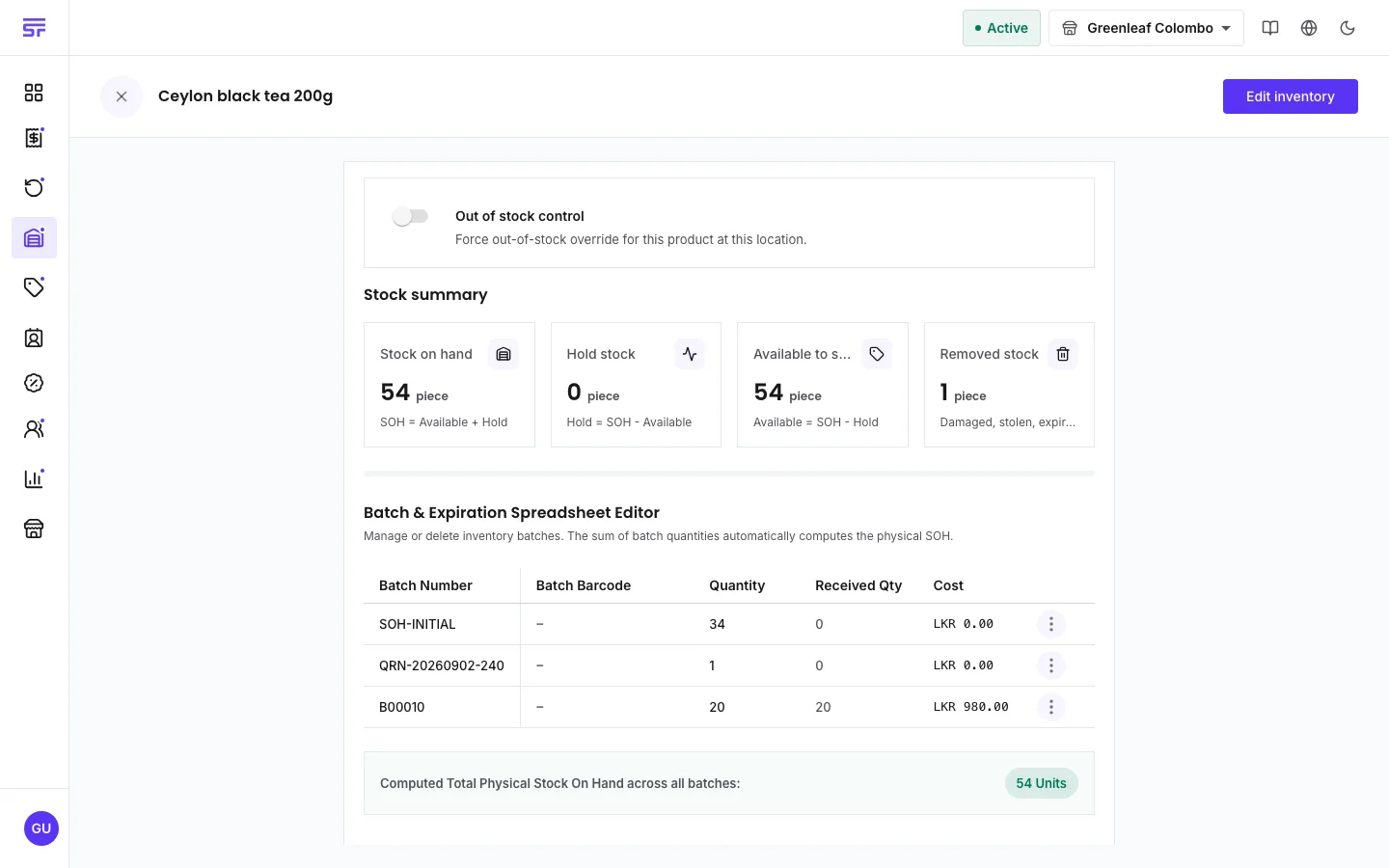
For a product sold by measure, you can type decimals, such as 3.25 kg. For a whole-unit product, only whole numbers are accepted.
| Reason | Direction | Counts as shrinkage |
|---|---|---|
| Received | Adds | No |
| Return restock | Adds | No |
| Stock recount | Either | No |
| Correction | Either | No |
| Damaged | Removes | Yes |
| Theft or loss | Removes | Yes |
| Expired | Removes | Yes |
| Return to supplier | Removes | No, the supplier makes it good |
| Promotion or donation | Removes | No, given away on purpose |
| Other | Either | No, and a note is required |
| Symptom | Cause | Fix |
|---|---|---|
| The reason you want is not in the list. | Reasons are filtered by direction. Damaged only removes stock, for example. | Switch between increment and decrement, or pick a reason that fits. |
| "A note is required when the reason is Other". | Other always needs a note. | Type a short explanation. |
| A decimal quantity is refused. | The product is sold in whole units. | Turn on Allow fractional quantities on the product, if it is sold by measure. |
| "Cannot decrement more than the current stock on hand". | You tried to remove more than the store has. | Check the count and enter a smaller number. |