
Creating your account
The signup steps, the email code, and what SellerTower creates for you.
User guide
The signup steps, the email code, and what SellerTower creates for you.
You create a SellerTower account in four steps. At the end you have a business, its first store and a plan.
Who can do this: anyone. The person who signs up becomes the business's Administrator.
Before you start:
! or #).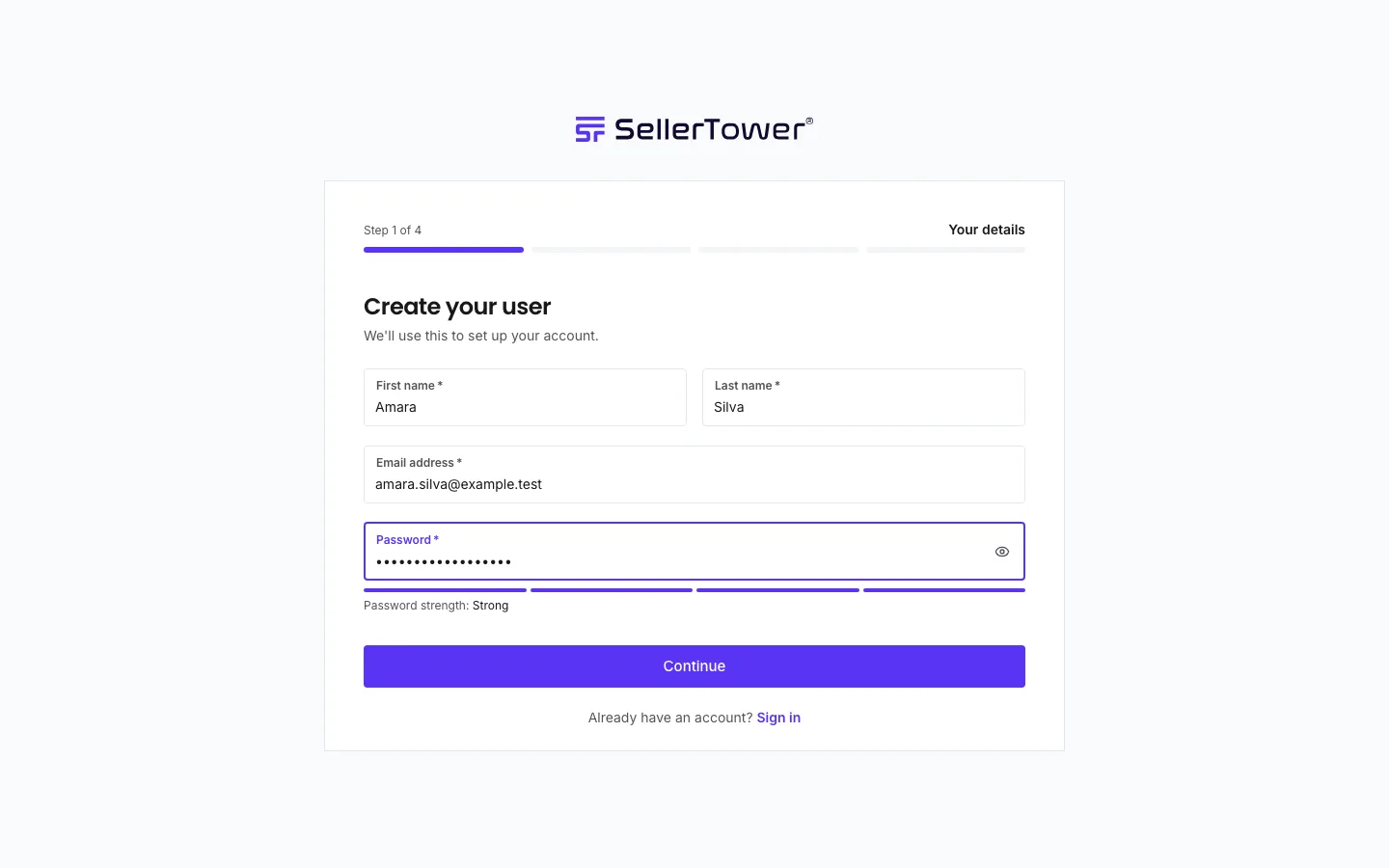
Nothing is saved yet. If you stop here, the signup simply expires.
We send an 8-character code to your email address.
When the code is accepted, your account is created and you are signed in.
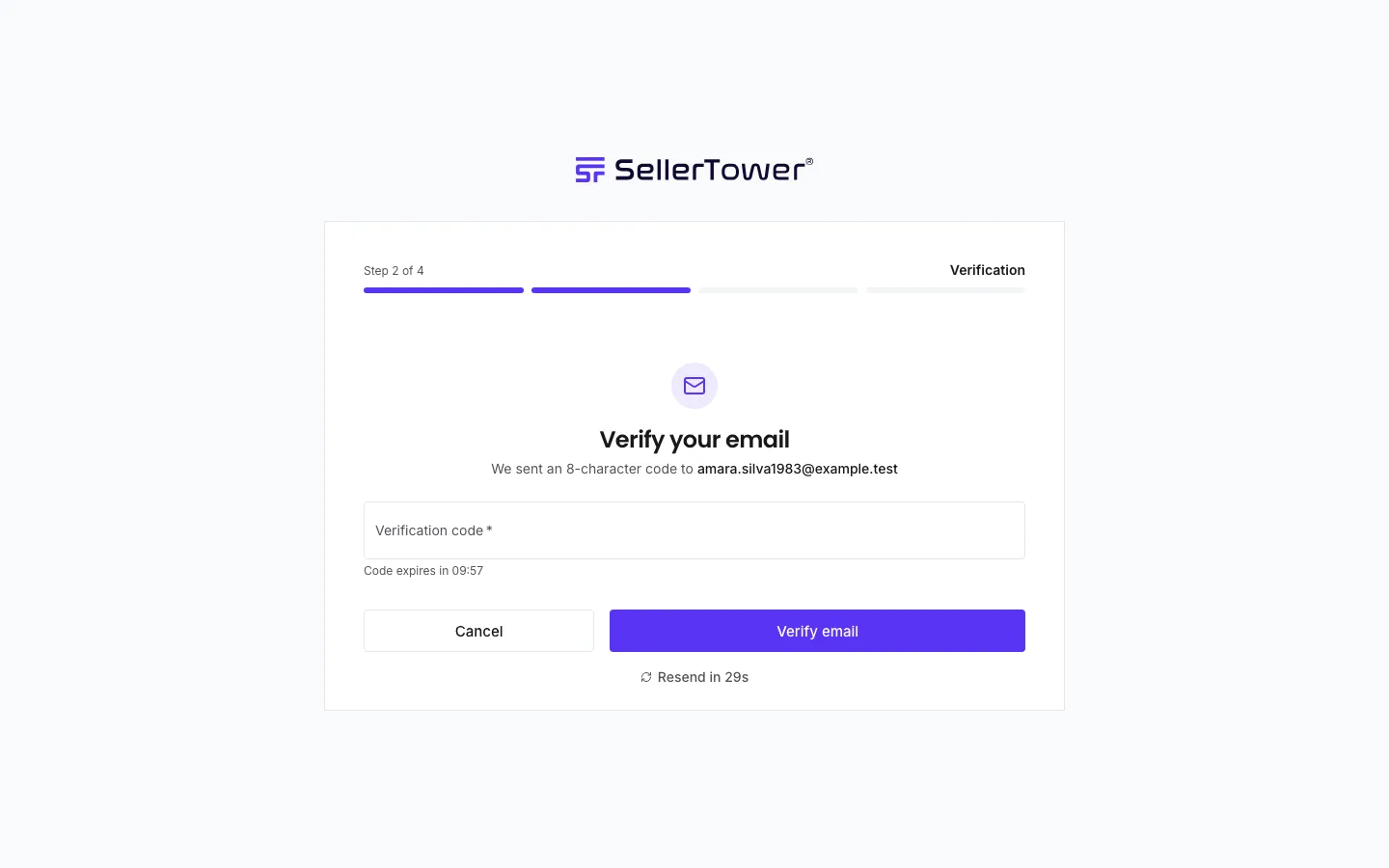
Fill in the form and press Continue.
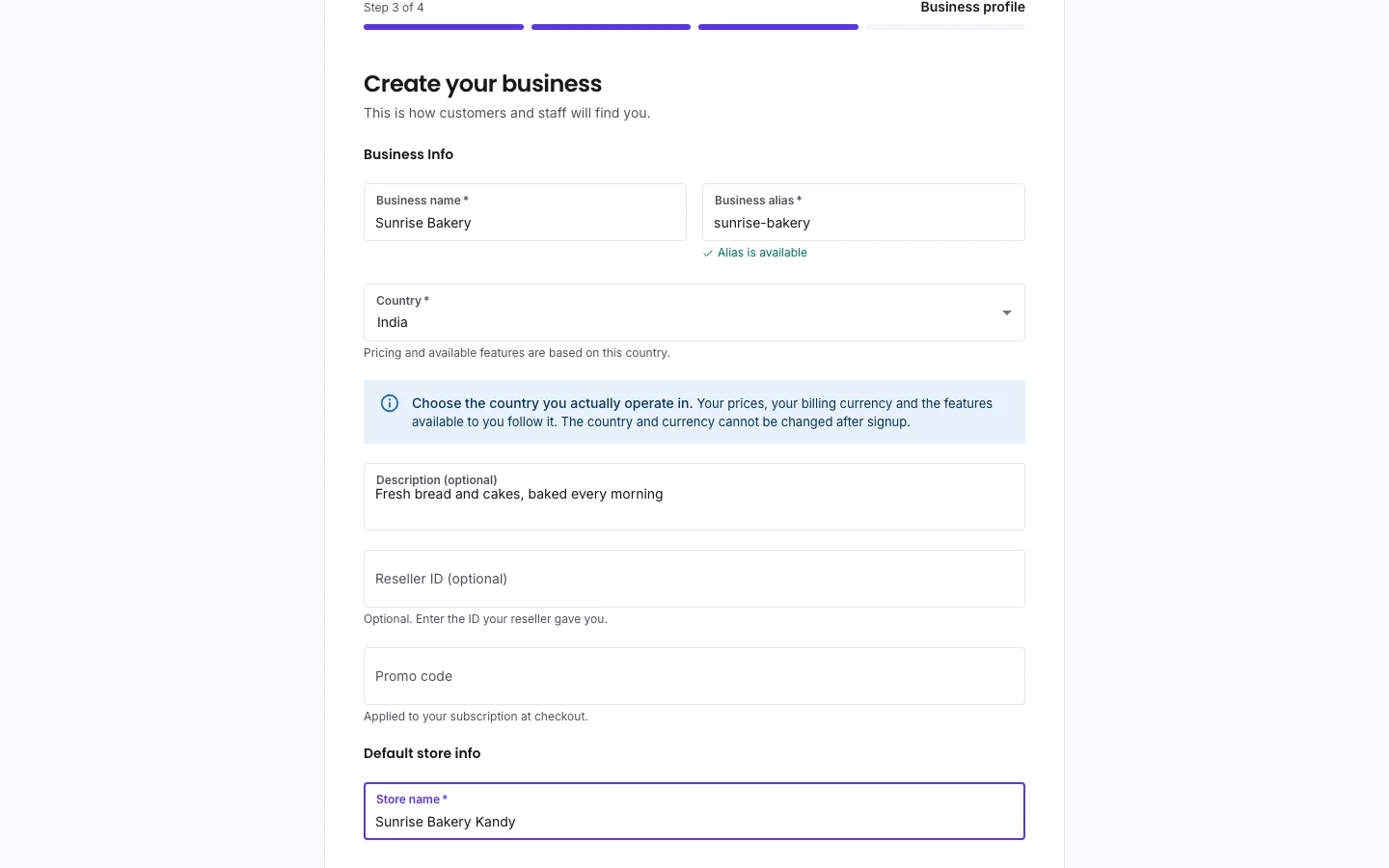
| Field | What to enter |
|---|---|
| Business name | Your company name. You can change it later. |
| Business alias | A short name for your business, in lowercase letters, numbers, hyphens (-) and underscores (_). Spaces turn into hyphens as you type. The form checks that nobody else has it. Your staff type this alias every time they sign in. You cannot change it later. |
| Country | The country you really operate in. The form says: "Your prices, your billing currency and the features available to you follow it. The country and currency cannot be changed after signup." |
| Description (optional) | A short description of your business. |
| Reseller ID (optional) | Only if a partner gave you one. If you enter an ID that does not work, you cannot continue until you fix it or clear it. |
| Promo code | Optional. Only if you have one. A code that does not work never stops your signup. It is just not applied, and the screen tells you why. You can add a code later on the Billing page. |
| Store name | The name of your first store. It starts as Main. Change it to your shop's real name. |
Choose a paid plan, or press Continue with Free Tier under the plan cards. This step has its own page: Choosing a plan at signup.
When the plan is set, you see Your account is ready. The app then opens your dashboard. Next, follow the quick start to make your first sale.
When you press Continue on step 3, SellerTower creates:
Your business stays on the free plan until you choose a paid plan in step 4.
You can leave at any step after step 2. When you sign in again, SellerTower takes you back to the step where you stopped. You cannot use the rest of the app until you have chosen a plan.
If you return to step 3 after the business was created, most fields are locked. You can still change the business name and description with Edit details.
| You see | Why | What to do |
|---|---|---|
| "OTP already sent. Please use the existing code." | You sent step 1 again while a code was still valid. | Use the code that is already in your inbox. |
| "Code must be exactly 8 characters" | The code is too short or too long. | Copy the whole code from the email. |
| "Invalid or expired code. Please try again." | The code is wrong or too old. | Check for a newer email, or press Resend code. |
| "Resend limit reached. Please contact support if needed." | You have used all 3 resends. | Wait for the code to expire, then start again from step 1. |
| "This alias is already taken" | Another business has this alias. | Choose a different alias. |
| "No reseller with this ID" | The reseller ID is wrong. | Check the ID with your partner, or clear the field. |
| "Account verified! However, auto-login failed. Please sign in manually." | Your account was created, but the automatic sign-in did not work. | Sign in with your email and password. SellerTower takes you back to step 3. |