
Passwords & security
The password rules, how to change or reset a password, and what happens on your other devices.
User guide
The password rules, how to change or reset a password, and what happens on your other devices.
SellerTower uses one password rule everywhere. You can change your password while signed in, or reset it if you forgot it. Both sign you out on every device.
Who can do this: everyone, for their own account.
A password must have:
!, @, #, $, %, ^, & or *.The strength meter under the field (Weak, Fair, Good, Strong) is only a guide. The rule above is what counts.
You see "Password changed" and SellerTower signs you out. Sign in again with your new password.
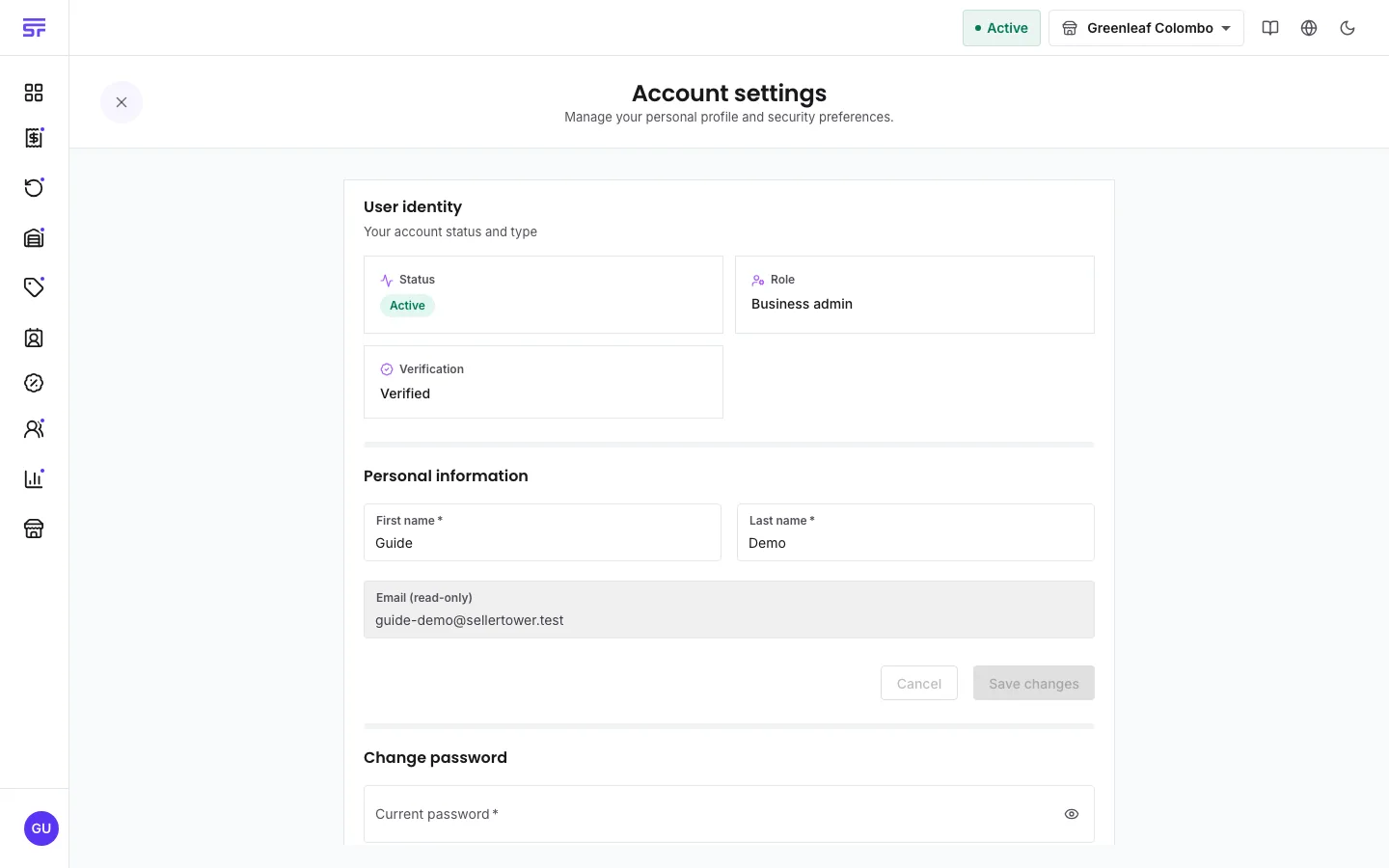
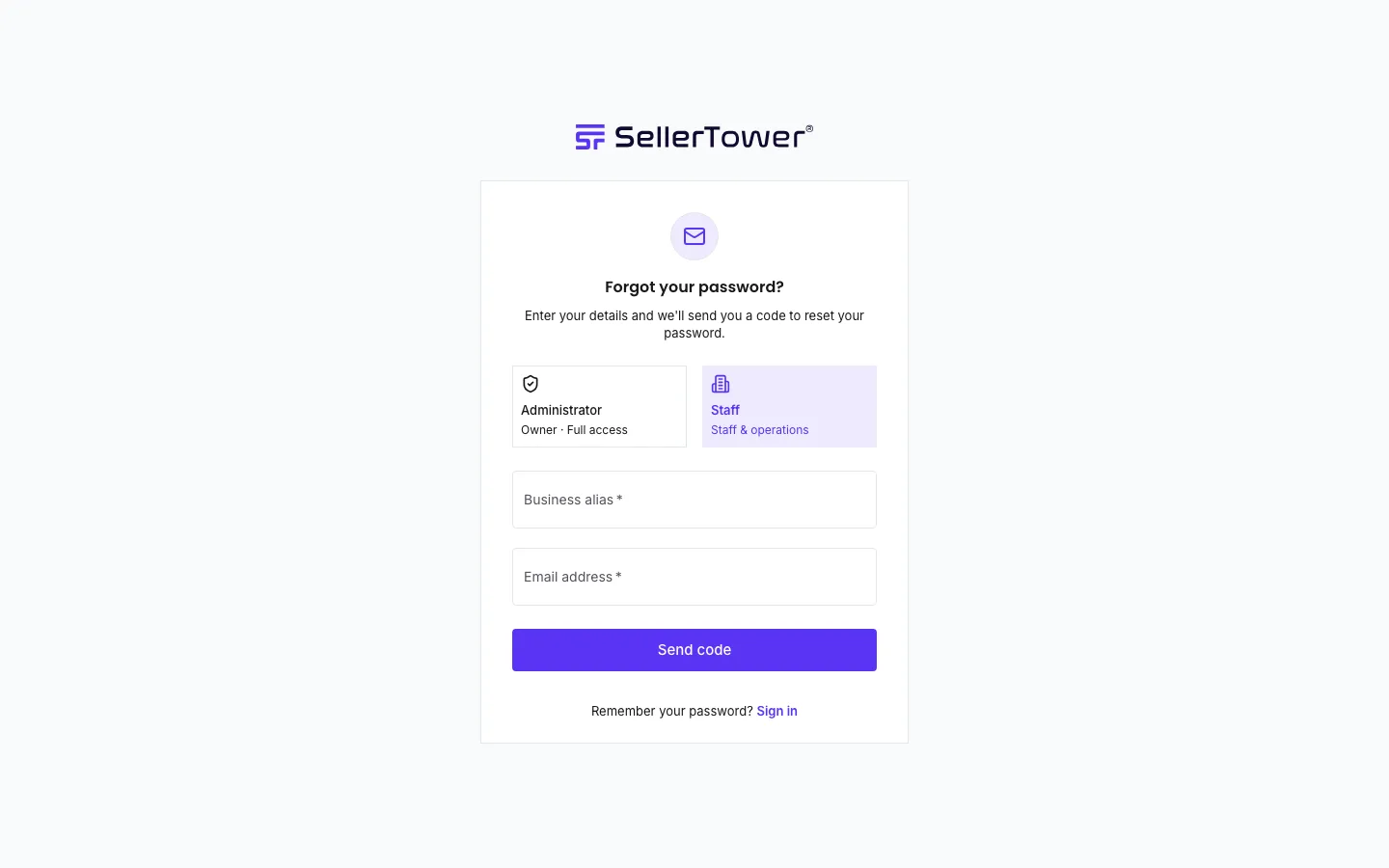
Things to know:
| You see | Why | What to do |
|---|---|---|
| "Must be 8+ characters with an uppercase letter, a number and a special character" | The new password is missing something. | Add what is missing. Include a lowercase letter too. |
| "Passwords do not match" | The two new password fields are different. | Type the same password in both fields. |
| "new password must be different from your previous password" | You typed your old password as the new one. | Choose a password you have not used before. |
| "Failed to verify the code. It may have expired or is invalid." | The code is wrong or too old. | Copy the full code from the newest email, or press Resend code. |
| "Resend limit reached. Please contact support if needed." | You have used all your resends. | Start again from Forgot password?. |
| "Failed to reset the password. The reset link may have expired." | Too much time passed between the code and the new password. | Start again from Forgot password?. |