
Stores
Creating and editing stores, the store switcher, and working across all stores.
User guide
Creating and editing stores, the store switcher, and working across all stores.
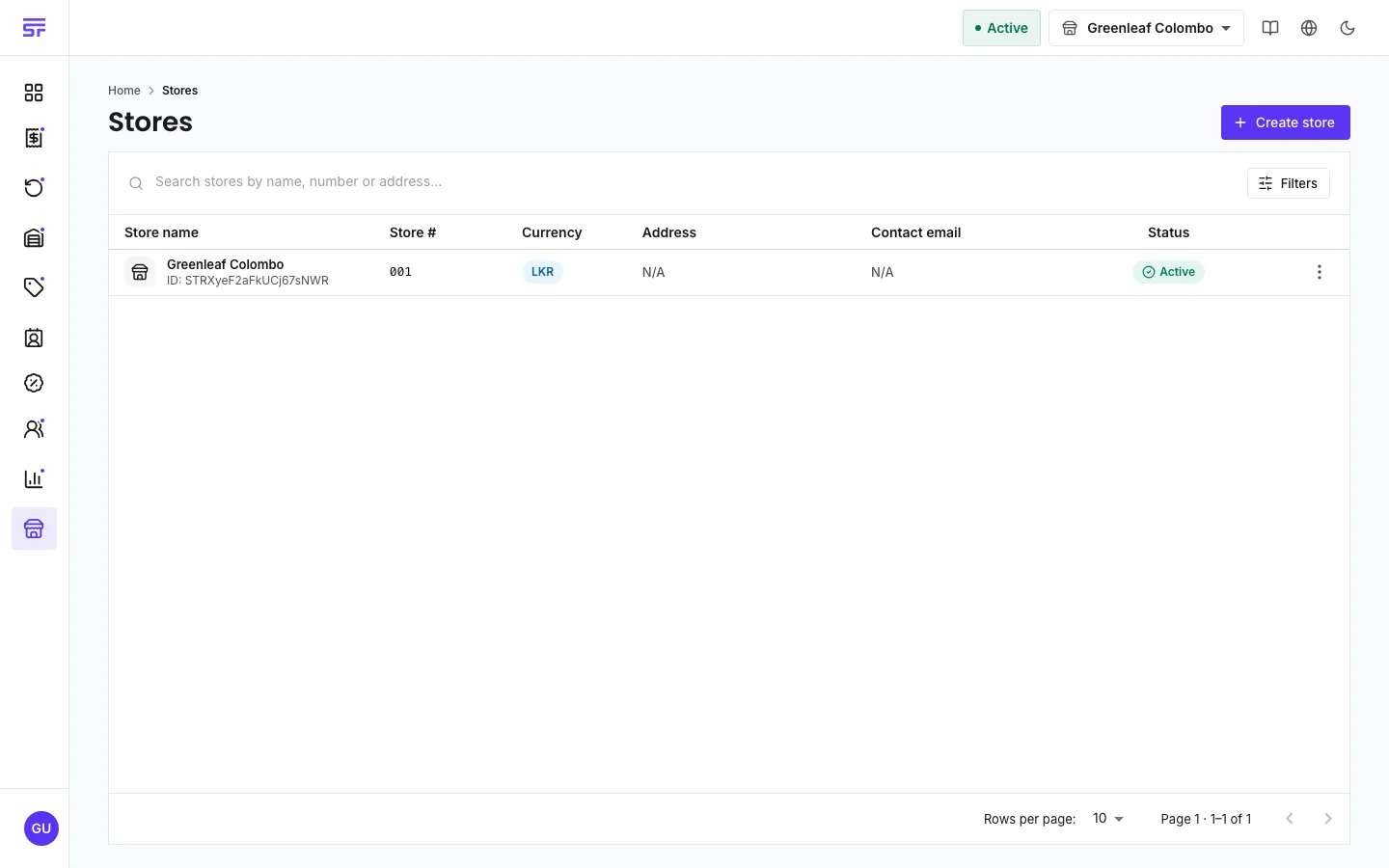
A store is a place where you sell. Orders, invoices, returns, refunds and stock belong to one store. The catalogue, customers, discounts and staff belong to the whole business, and every store shares them. Signup creates your first store for you.
Who can do this:
See Seats & add-ons for how seats work.
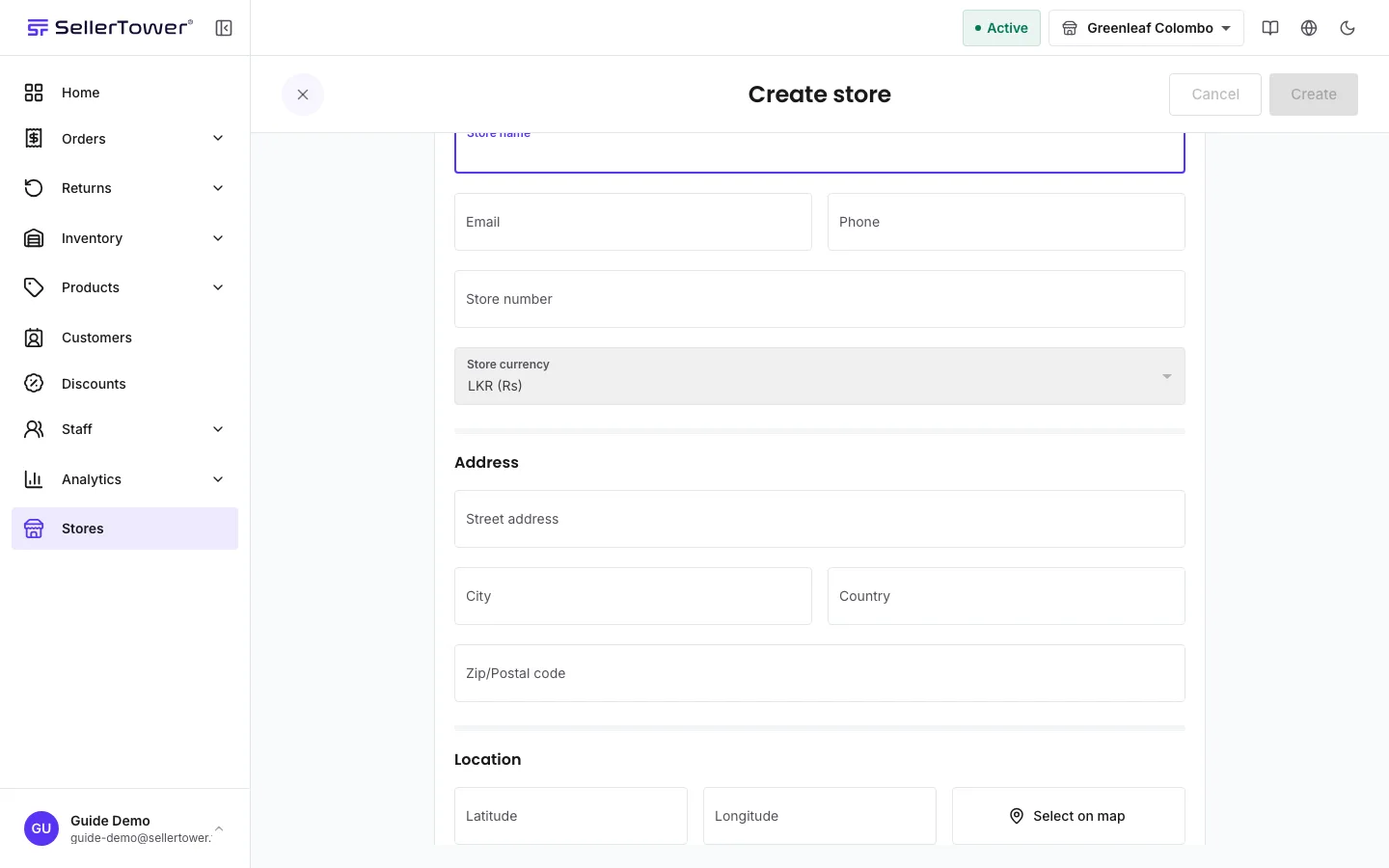
| Field | What to enter |
|---|---|
| Store name | Required. The name of the shop. |
| Email, Phone | Optional contact details. |
| Store number | A 3-digit number, different for each store. Leave it empty and SellerTower chooses one. If you type your own, it must be exactly 3 digits and not used by another store. |
| Store currency | Shown but locked. Every store uses the currency of your business's country. See Business profile. |
| Street address, City, Country, Zip/Postal code | The store's address. |
| Location | Optional. Press Select on map, click the map to drop a pin on the store's exact place, then press Confirm location. |
Clicking a row opens the store read-only.
The row menu also has Fulfillment settings, where you set up how the store fulfils orders. Available on Solo and above See Fulfilment status & types.
The store switcher at the top of the app decides which store you are working in. Every list, form and report follows it.
If you have more than one store, the switcher also offers All Stores. This is a combined view, not a real store. You can look at records across all stores, but you cannot create anything there. To create an order, a stock change or an invoice, choose one store first.
| You see | Why | What to do |
|---|---|---|
| "Store name is required" | The name field is empty. | Enter a name. |
| "store number must be exactly 3 digits" | The store number is too short, too long or has letters. | Enter 3 digits, or leave it empty. |
| "store number already in use" | Another store has this number. | Choose a different number, or leave it empty. |
| A message that you have used all your store seats | You have no free store seat. | Buy a seat, or disable a store you do not use. |
| Create store is missing | You are not the Administrator. | Ask the Administrator to create the store. |