
Comparing plans
How to read the plan cards, and the difference between monthly and annual billing.
User guide
How to read the plan cards, and the difference between monthly and annual billing.
The plan picker shows every plan side by side, with prices for your country. Signup uses the same screen.
Who can do this: the Administrator. Open Billing from the menu under your name, then press Change plan (or Upgrade plan).
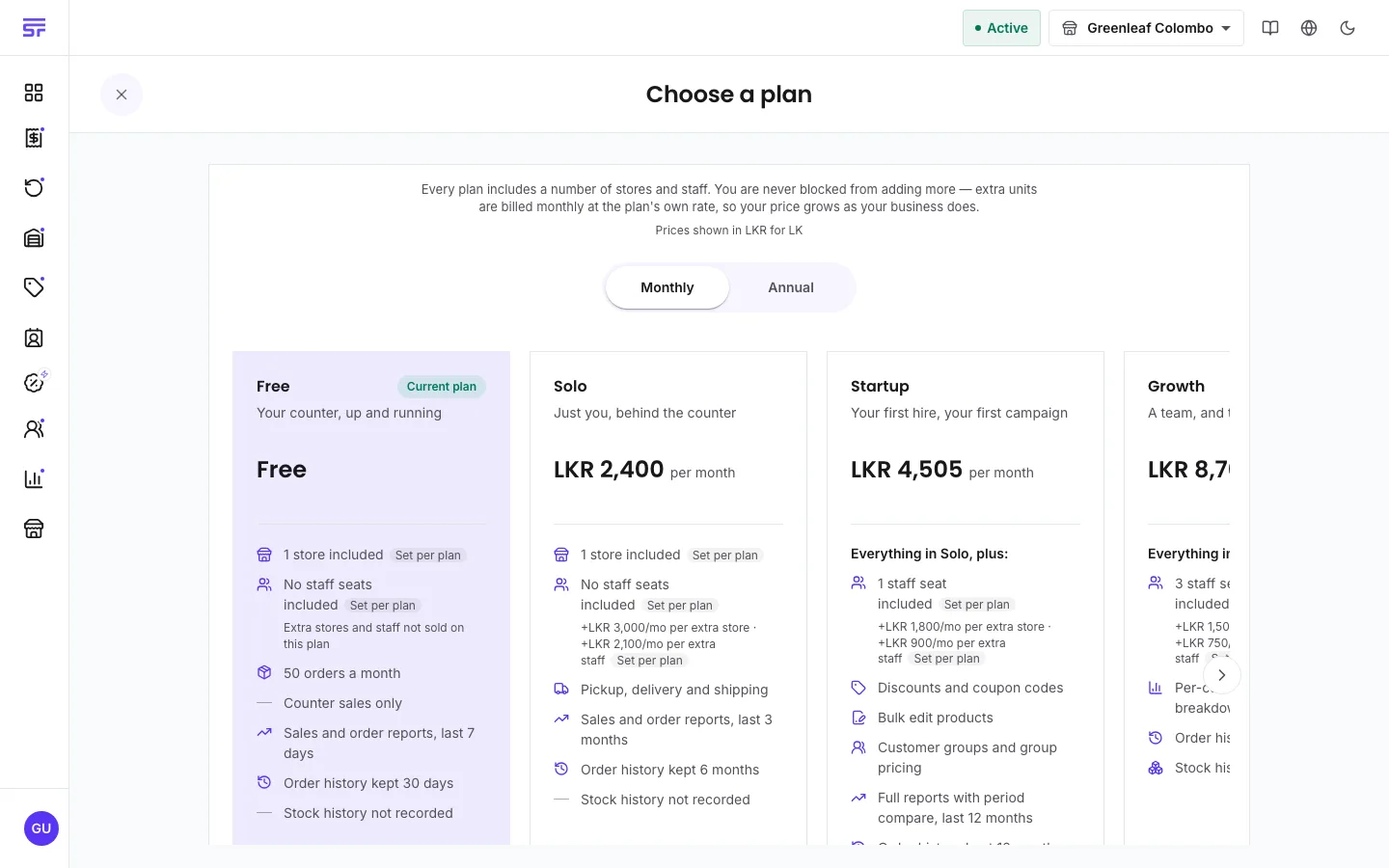
A line near the top tells you which currency the prices are in. Each country bills its plans in its own currency or in US dollars. Your business's billing currency was set when you signed up, and it cannot change.
The Monthly and Annual switch changes the billing period. When you choose Annual, the cards show 2 months free.
To change the billing period of your current plan, press Change cycle on the Billing page.
How plans work · Upgrading & downgrading · Choosing a plan at signup