
Labels & printing
Print shelf labels and product tags as QR codes or barcodes, on a receipt roll or on sheets.
User guide
Print shelf labels and product tags as QR codes or barcodes, on a receipt roll or on sheets.
The label page prints scannable tags for a product's stock, such as shelf labels, price tags and stickers for each unit. It prints through your browser's print dialog.
Who can do this: anyone who can view inventory.
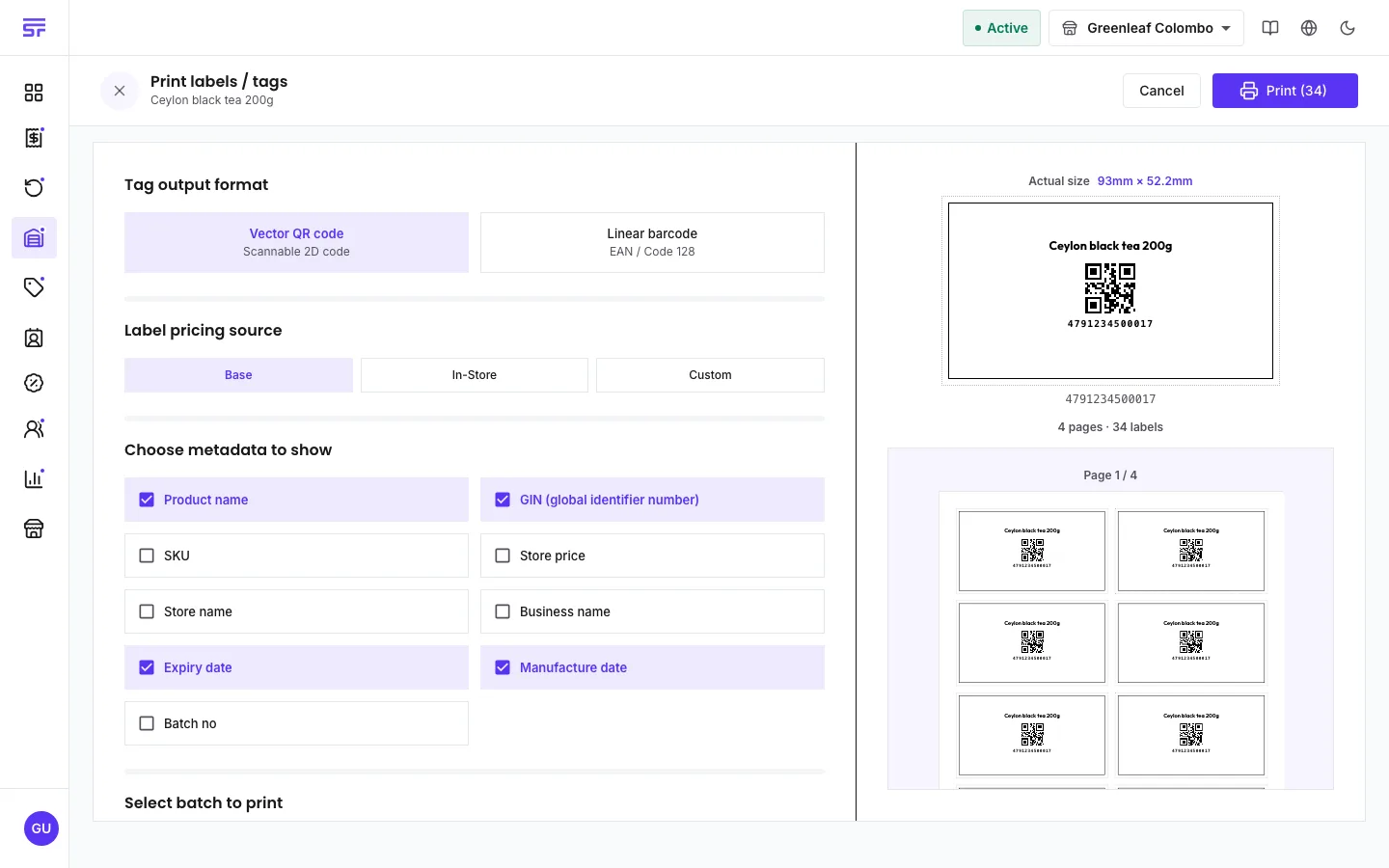
You can show the product name, SKU, the code, a price, the store or business name, expiry and manufacture dates, and the batch number. For the price, the Label pricing source is Base (the catalogue price), In-Store (this store's price), or Custom (a price you type).
How many labels print depends on the product's tracking:
The paper choices are a POS / continuous roll (80 mm, one label per cut) and A4, A3 and Letter sheets. The label size can be Dynamic (fitted to the page for you), Small, Medium, Large or Custom. The preview updates as you change these, and warns you when a size does not fit the paper.
| Symptom | Cause | Fix |
|---|---|---|
| Linear barcode cannot be chosen. | The product has no barcode. | Add a 13-digit barcode to the product, or print a QR code. |
| Printing is turned off for a product. | It has no barcode and no SKU, so there is no code to print. | Add a SKU or barcode on the product. |
| The preview warns that the layout does not fit. | Too many columns, or labels too wide for the paper. | Lower the column count or choose a smaller label. |
| A serialized product prints fewer labels than expected. | Only units available in this store get a label. | Check the serials on the product's stock page. |