
Refunds
Paying money back: the refund methods, the limit on how much you can refund, and what happens when a payout fails.
User guide
Paying money back: the refund methods, the limit on how much you can refund, and what happens when a payout fails.
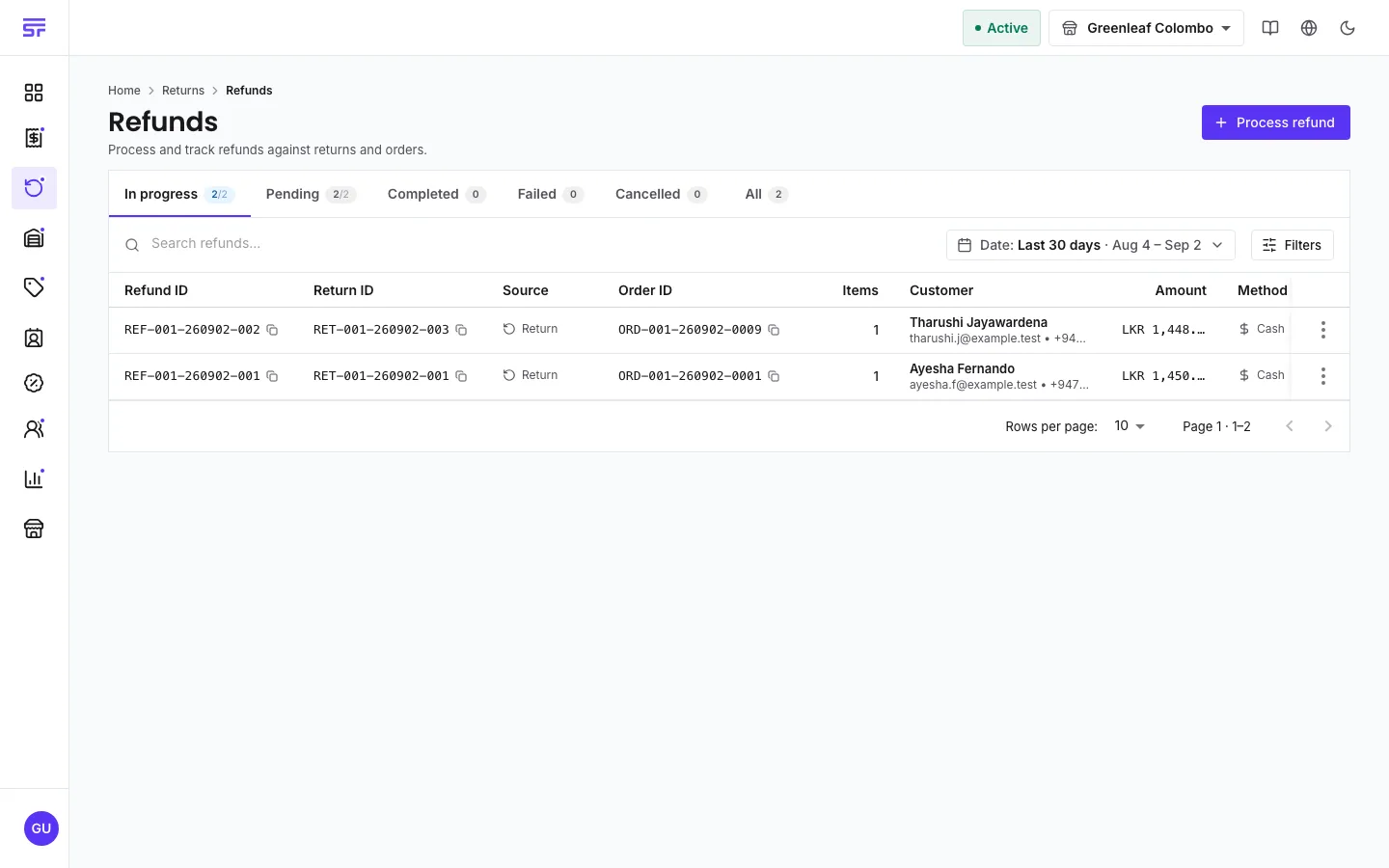
A refund is money going back to the customer. Each refund is its own record. You raise it against an approved or completed return, or against an order that was paid too much. One return can have several part refunds.
Who can do this: the Administrator, Admin, Store Admin and Cashier can create refunds and change their status. There is no separate approval step: the permission is the approval. Reports Viewer can view refunds. Refunds work on every plan.
The return must be Approved or Completed. A refund cannot be raised against a requested, rejected or cancelled return.
| Method | What it means |
|---|---|
| Cash return | Money back as Physical cash, Bank transfer or Bank deposit. Pick which under Cash return method. |
| Replace / Re-use in next order (Store Credit) | The refund becomes a credit the customer spends later. See Store credit refunds. |
| Deduction / adjustment | A record-keeping write-off. No money is paid out. |
Card refunds are not offered.
The total of all live refunds on a return can never be more than the return is worth. Pending refunds count too, because that money is already promised. If you go over, the message shows the numbers, for example "refund amount 60.00 exceeds the 40.00 still refundable on this return (60.00 of 100.00 already allocated)".
This holds even when two people refund the same return at the same time: they cannot both slip under the limit. If the app cannot check what was already refunded, it refuses rather than guesses.
Pending → Processing → Completed, with Failed and Cancelled as other outcomes.
Completing a refund updates the return's refunded total.
The status menu on a refund only offers moves the server allows. Moves it would refuse are shown with the reason.
If an edit lowers an open order's total below what the customer already paid, the order shows Refund due. The order cannot be completed until the extra money goes back.
The refund is created as completed and shows as a Refund row in the order's Payments section. The order can then be completed. The refund is final as soon as it is created, so check the amount and method before you click. See Recording payments and deposits.
REF- and a refund can never be deleted.| Symptom | Cause | Fix |
|---|---|---|
| The amount is refused with "exceeds the ... still refundable". | Earlier refunds already use most of the return's value. | Lower the amount, or cancel an old pending refund first. |
| This return is already fully refunded. | Refunds already cover the whole return. | Nothing more can be refunded on it. |
| "this refund changed while you were working on it" | A colleague changed the refund first. | Reopen it and look before you try again. |
| The amount cannot be changed. | The refund is processing or completed. | Raise a separate refund for the difference. |
| A store credit refund cannot be marked Completed. | Store credits complete when they are spent at checkout. | Leave it. Cancel it if it should not be spent. |