
Bulk edit
Available on Startup and above
Edit many products in one grid. Every change is checked first, and nothing is saved unless it all passes.
User guide
Edit many products in one grid. Every change is checked first, and nothing is saved unless it all passes.
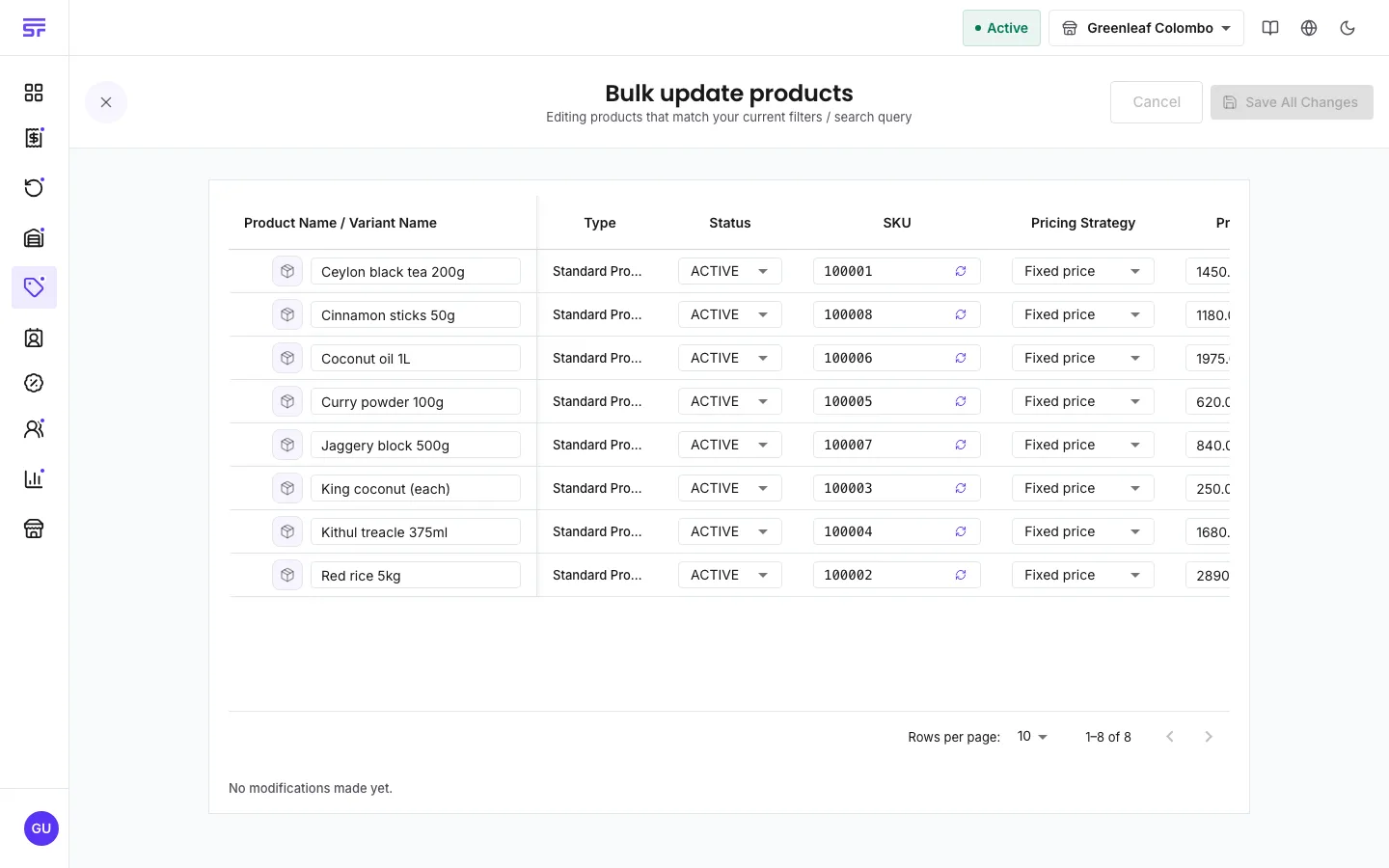
Bulk update turns the product list into a grid you can edit. Use it to reprice a range, change the status of a season's products or fix codes. Nothing is written until every change passes its checks.
Who can do this: the people who can edit products, which means the Administrator and the Admin and Inventory Manager roles. It also depends on your plan (see the badge at the top of the page).
| Symptom | Cause | Fix |
|---|---|---|
| Bulk update is missing. | Your role cannot edit products. | Ask someone with the Admin or Inventory Manager role. |
| Bulk update opens an upgrade message. | Your plan does not include bulk tools. | See Comparing plans. |
| "Nothing was saved" after a save. | At least one product in the batch broke a rule. | Fix the highlighted rows and save again. |
| The grid shows the wrong products. | It uses the filters from the product list. | Go back, change the filters, then open Bulk update again. |
Bulk import (CSV) · Product fields reference · Comparing plans