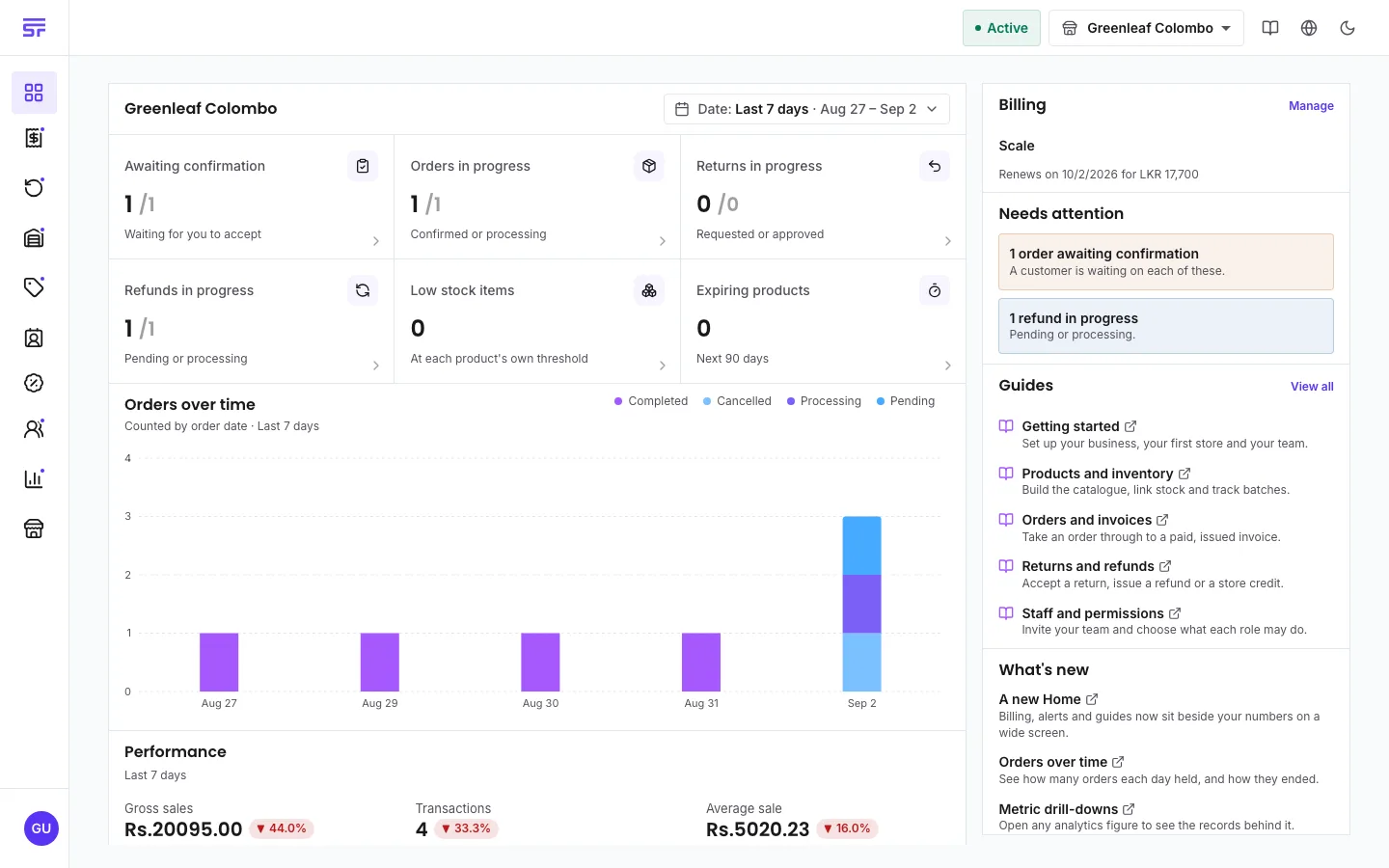
SellerTower is made for shops that sell to customers at a counter. For example: groceries,
clothing, electronics, pharmacies, bakeries and hardware shops. It works for one small shop or
for a business with many stores.
The back office is the app you use to run the shop. It runs in any modern web browser, on a
computer, a tablet or a phone. There is nothing to install.
Every account is on a plan. A plan decides which features you can use and how many stores and
staff seats are included. On most paid plans you can buy extra seats when you need them. The
free plan has a monthly limit on orders. This guide shows a badge next to any feature that needs
a particular plan. See How plans work.
SellerTower works on a phone, but some things look and work differently on a small screen.
The menu. The sidebar is hidden. Tap the menu button at the top of the screen to open it.
Lists. Each row in a list shows as a card.
Row actions. To see the actions for a row (for example, edit or delete), swipe the row to
the left. If you cannot swipe, press and hold the row. The first time you open a list, the
first row slides open a little to show you where the actions are.
Search. Search is a button. Tap it to open the search box.
Tabs. A row of tabs becomes one button that shows the tab you are on. Tap it, and the
tabs open in a panel at the bottom of the screen. Tap the tab you want.
Filters. Filters also open in a panel at the bottom of the screen. Tap Done when you
have finished.
Home screen. Most phone browsers let you add SellerTower to your home screen. It then opens
in its own window, like an app.