
Order status
Pending, Confirmed, Processing, Completed and Cancelled, and what each one allows.
User guide
Pending, Confirmed, Processing, Completed and Cancelled, and what each one allows.
Every order has three separate statuses: the order itself, its payment and its fulfilment. This page covers the first one, the life of the sale.
Who can do this: staff with the Change order statuses permission. The built-in Admin, Store Admin and Cashier roles have it. Staff without it can see the statuses but cannot move them.
| Status | What it means | Where it can go next |
|---|---|---|
| Pending | A draft. No stock has moved and nothing is promised. | Confirmed, Cancelled |
| Confirmed | A real sale. Stock is taken off the shelf here. | Processing, Completed, Cancelled, or back to Pending |
| Processing | The order is being prepared. | Completed, Cancelled, or back to Confirmed |
| Completed | Done. Final on all three statuses. | Nothing |
| Cancelled | Stopped. Final. | Nothing |
Moving a confirmed order back to Pending puts its stock back on the shelf.
The status menus do not guess. For each order, the app asks the server which moves are allowed right now and shows exactly that. A move that would be refused is greyed out and shows the reason, for example "cannot complete order before payment is completed". The same order can offer different moves later, because its payment or fulfilment has changed.
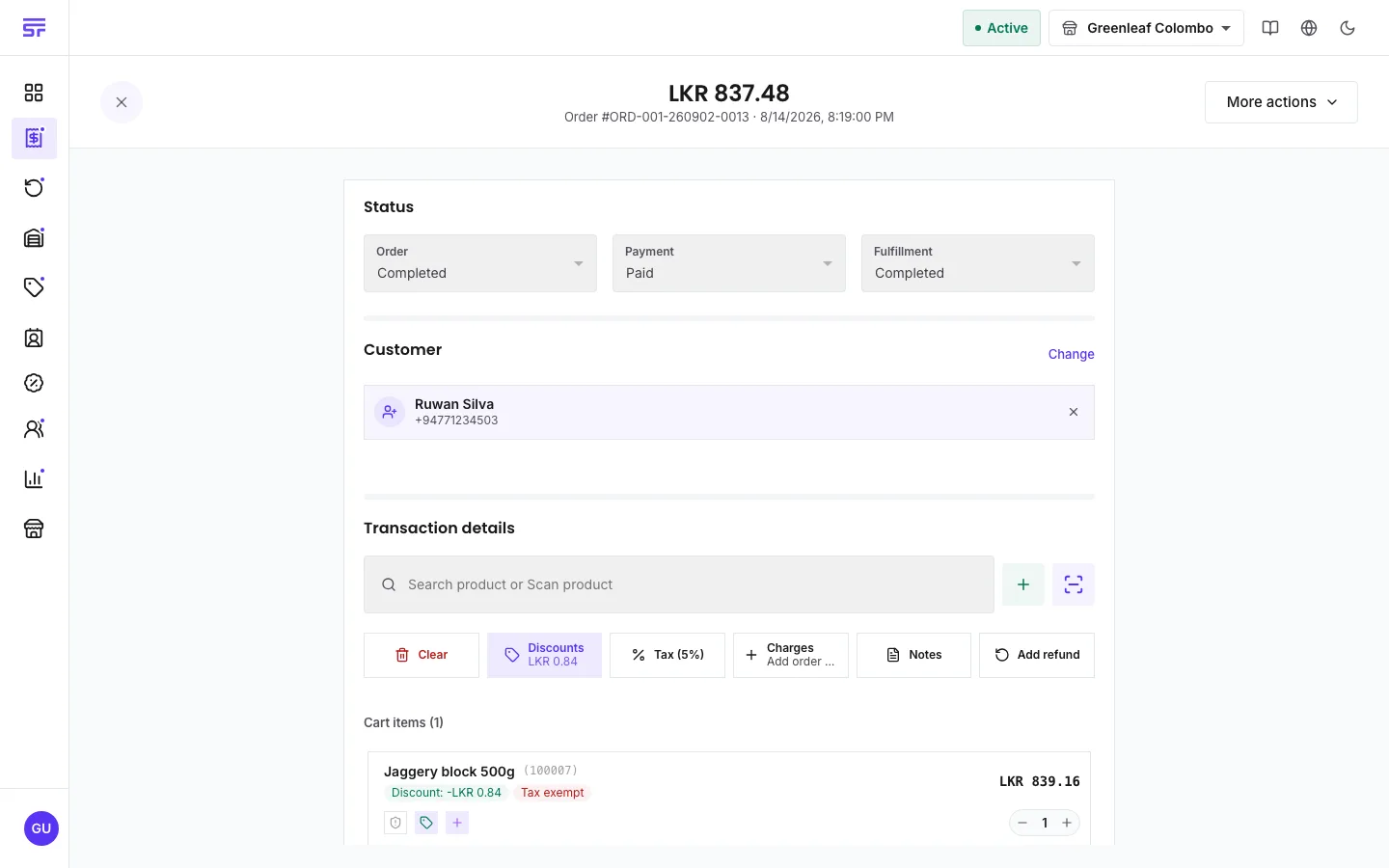
You can change an order's status in three places:
To complete an order:
If the order is paid and only the fulfilment is still open, the Completed option says Also completes fulfillment. Pick it, and a dialog named Complete this order explains that the fulfilment will be completed too. Press Complete both. Neither status can be changed afterwards. A dine-in order can only do this once it is Served.
| Symptom | Cause | Fix |
|---|---|---|
| "order status changed by another request" | A colleague changed the same order a moment before you. | Refresh the page. The menus then show where the order really is. Nothing was half done. |
| "cannot complete order before payment is completed" | The payment is not Paid yet. | Record the payment first. |
| "cannot complete order while … is still owing" | Part of the total is unpaid. | Record the rest of the payment. |
| "cannot complete order while … is owed back" | An edit lowered the total below what was paid. | Void a payment or refund the excess. See Recording payments & deposits. |
| "cannot complete order while a bank transfer is awaiting verification" | A transfer has been recorded but nobody has confirmed the money arrived. | Someone with Verify bank transfers verifies or rejects it. |
| "cannot complete order while a transfer slip is unassigned" | A customer uploaded a slip that is not linked to any transfer. | Assign the slip to a transfer, or dismiss it. |
| You cannot cancel or move the order back to Pending. | A bank transfer on it is awaiting verification. | Verify or reject the transfer first. |
| The status menus on the order page are greyed out. | The page opens read-only, or the order is past Confirmed. | Press Edit order, or change the status from the orders list. |
Payment status · Recording payments & deposits · Fulfilment status & types · Editing & cancelling orders