
Signing in
How the Administrator and staff sign in, and how sessions work.
The sign-in page serves two kinds of account. First you choose which kind you have.
Who can do this: everyone with an account.
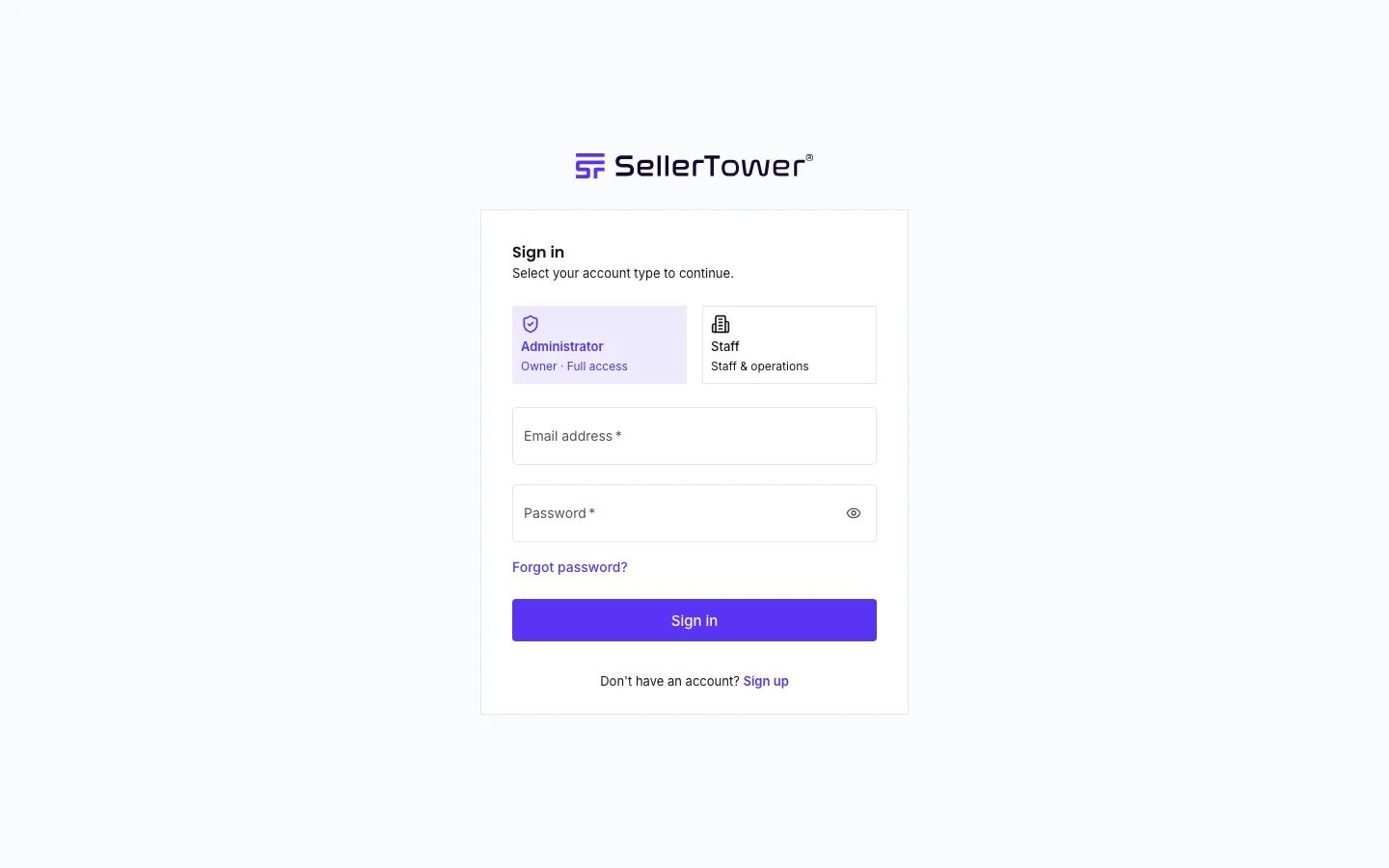
If the email or the password is wrong, you see one message for both. The page does not say which one is wrong. This protects your account. For every message and what to do, see Troubleshooting sign-in.
Passwords & security · Invited staff: first sign-in · Troubleshooting sign-in