
Stock history
Available on Startup and above
The record of every stock movement: what changed, by how much, why, and who did it.
User guide
The record of every stock movement: what changed, by how much, why, and who did it.
While your plan includes stock history, every stock movement writes a line to a record that cannot be changed. This covers sales, intakes, adjustments and holds. The line is written together with the movement itself. You cannot move stock without leaving a line, and you cannot edit or delete one.
Who can do this: anyone who can view inventory. Stock history depends on your plan (see the badge at the top of the page), and your plan sets how far back it goes.
For a product with variants, pick a variant at the top. History is kept per variant.
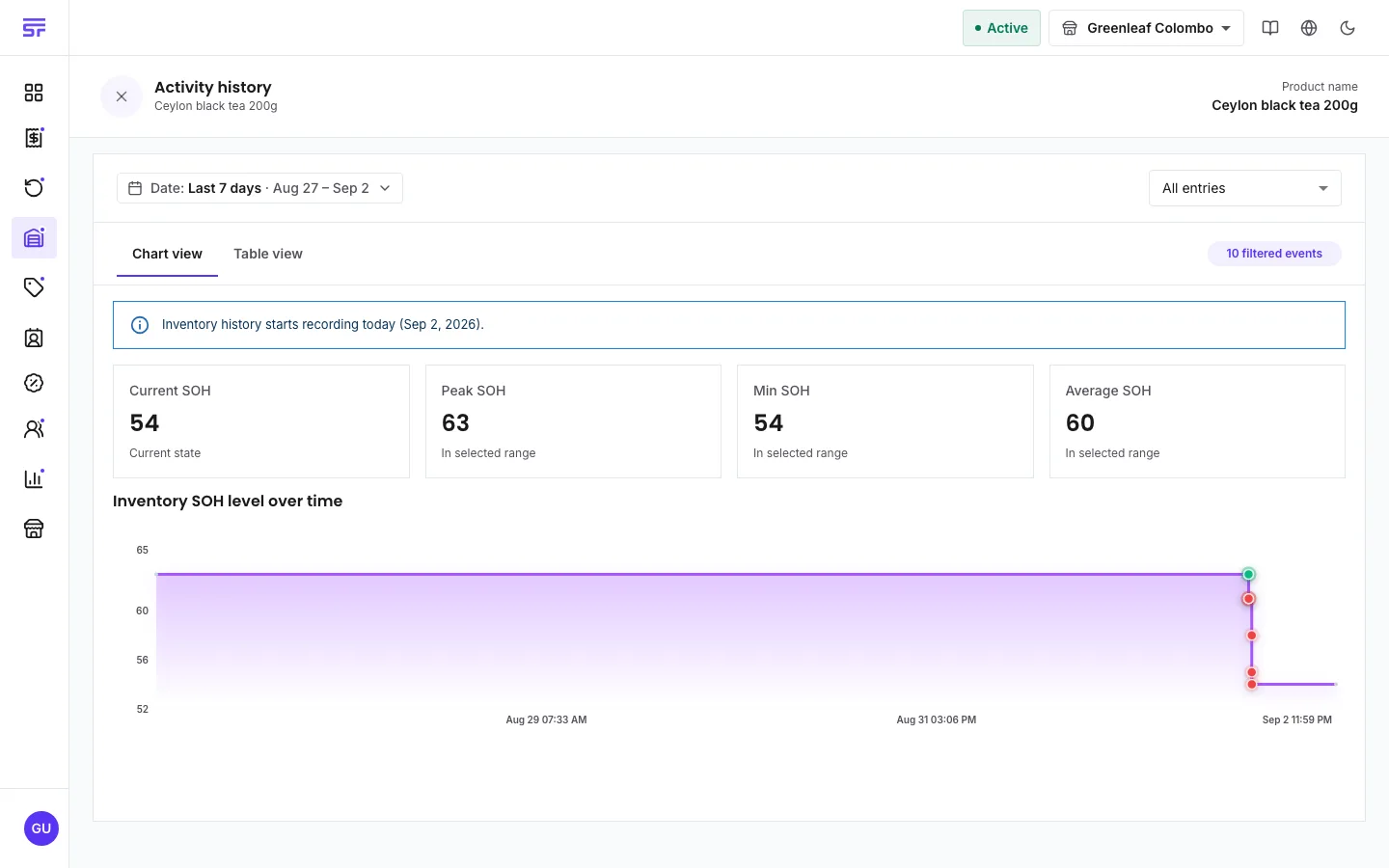
For a product sold by measure, amounts keep their decimals, such as 2.55 kg.
The table also shows movements nobody typed: sales, stock put back after a cancelled order, and quarantine holds and releases. The system's own actions are recorded the same way as yours.
The activity log answers "who did what" across the whole business. Stock history answers "what happened to this product's stock, and how much". The activity log records who touched stock but never the amount. For stock questions, use stock history.
| Symptom | Cause | Fix |
|---|---|---|
| The history view shows an upgrade message. | Your plan does not include stock history. | See Comparing plans. |
| The history is empty for older dates. | Recording started when your plan began to include it. | Nothing before that date exists. |
| "There are no stock movements in the selected date range." | Nothing moved in that range. | Widen the date range. |
| A product with variants shows no chart. | History is kept per variant. | Pick a variant at the top. |