
Import & export
Bringing a customer list in from a CSV file, and downloading your whole customer list.
User guide
Bringing a customer list in from a CSV file, and downloading your whole customer list.
You can bring a customer list into SellerTower from a CSV file, and download your whole customer list as a CSV file.
Who can do this: importing needs the permission to add customers, which the Administrator, Admin, Store Admin and Cashier have. Exporting needs its own permission, which only the Administrator and Admin have. Staff who work in a single store can never export customers, whatever their role. The import works on every plan. The export also needs a plan that includes exports: Available on Scale
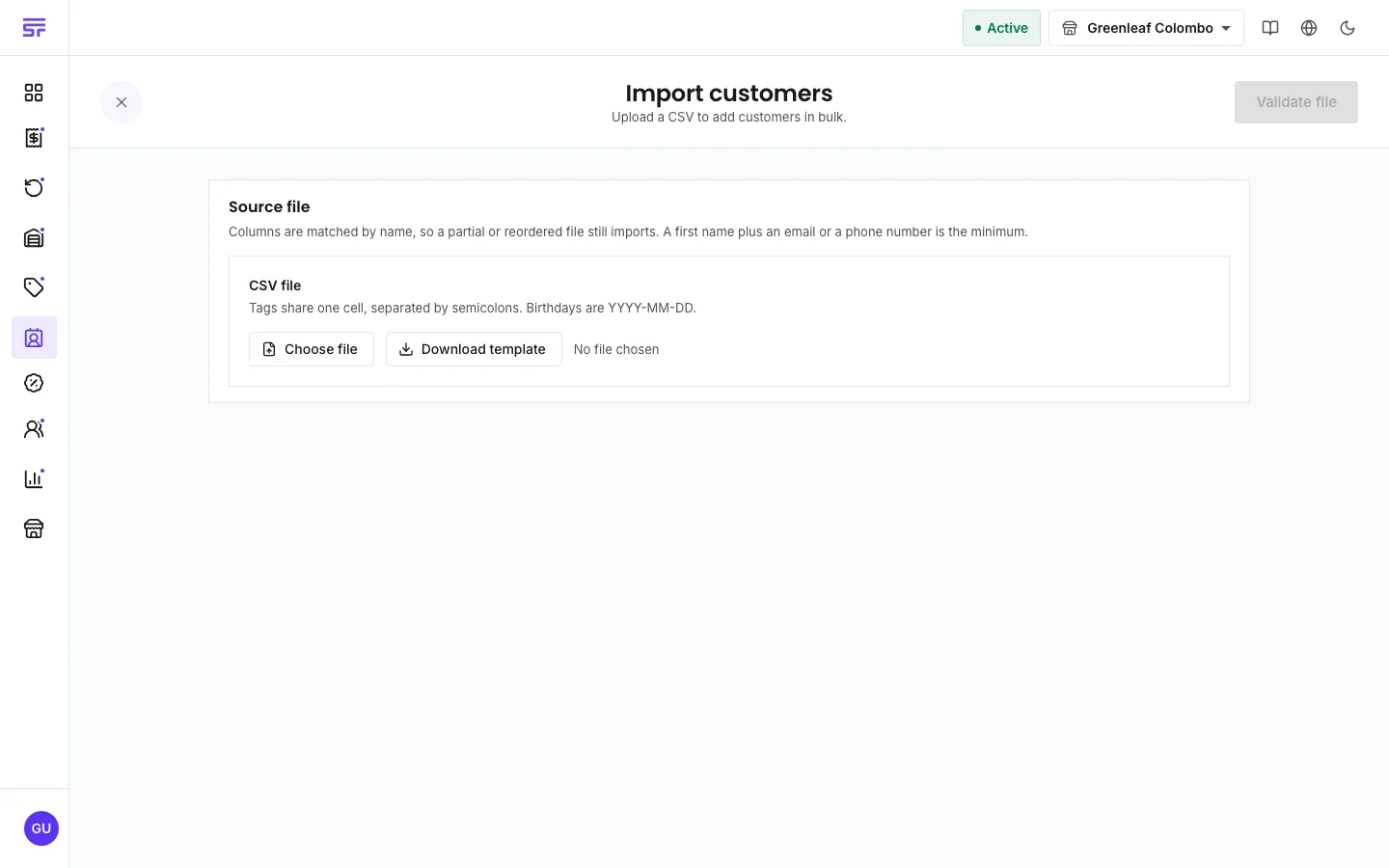
After validation you see one of these messages:
| Rule | Detail |
|---|---|
| Required columns | first_name, plus an email or a phone column. |
| Column order | Any order. Unknown columns are ignored. |
| Tags | In one cell, separated by semicolons. |
| Birthdays | Written as YYYY-MM-DD. |
| File size | Up to 2,000 rows and 8 MB. Split a bigger list into batches. |
The file holds every customer in your business, whatever tab or filter you have open. It uses the same columns as the import, so you can edit it and import it again.
The import uses the same rules as the add form. Emails and phone numbers must be unique in your business. A row that repeats an email or phone already used earlier in the same file is flagged with the row it clashes with. A row that matches a customer you already have is flagged too, and is not imported. This makes it safe to import the same file twice.
| Symptom | Cause | Fix |
|---|---|---|
| That file is too large. Split it and import in batches. | The file is bigger than 8 MB. | Split it into smaller files. |
| The import refuses the file because it has too many rows. | The file has more than 2,000 rows. | Split it into files of 2,000 rows or fewer. |
| A row says the email is a duplicate. | The same email is on an earlier row, or on an existing customer. | Remove the repeat, or leave the existing customer as it is. |
| Export CSV is missing. | You do not have the export permission, or you work in a single store. | Ask the Administrator. |
| Export CSV asks you to upgrade. | Your plan does not include exports. | See Plan capabilities. |
| Import CSV is missing. | You are on a phone, or you cannot add customers. | Use a larger screen, or ask for the permission. |