
Returns
Recording goods that come back: request, approve, complete, the quantity limit, and how a return is valued.
User guide
Recording goods that come back: request, approve, complete, the quantity limit, and how a return is valued.
A return records that goods are coming back and what they are worth. Paying the customer is a separate record, a refund, which you raise against the return.
Who can do this: the Administrator, Admin, Store Admin and Cashier can create, approve, complete and cancel returns. The Cashier has these on purpose, so the person who took the sale can also take it back. Reports Viewer can view returns. Returns work on every plan.
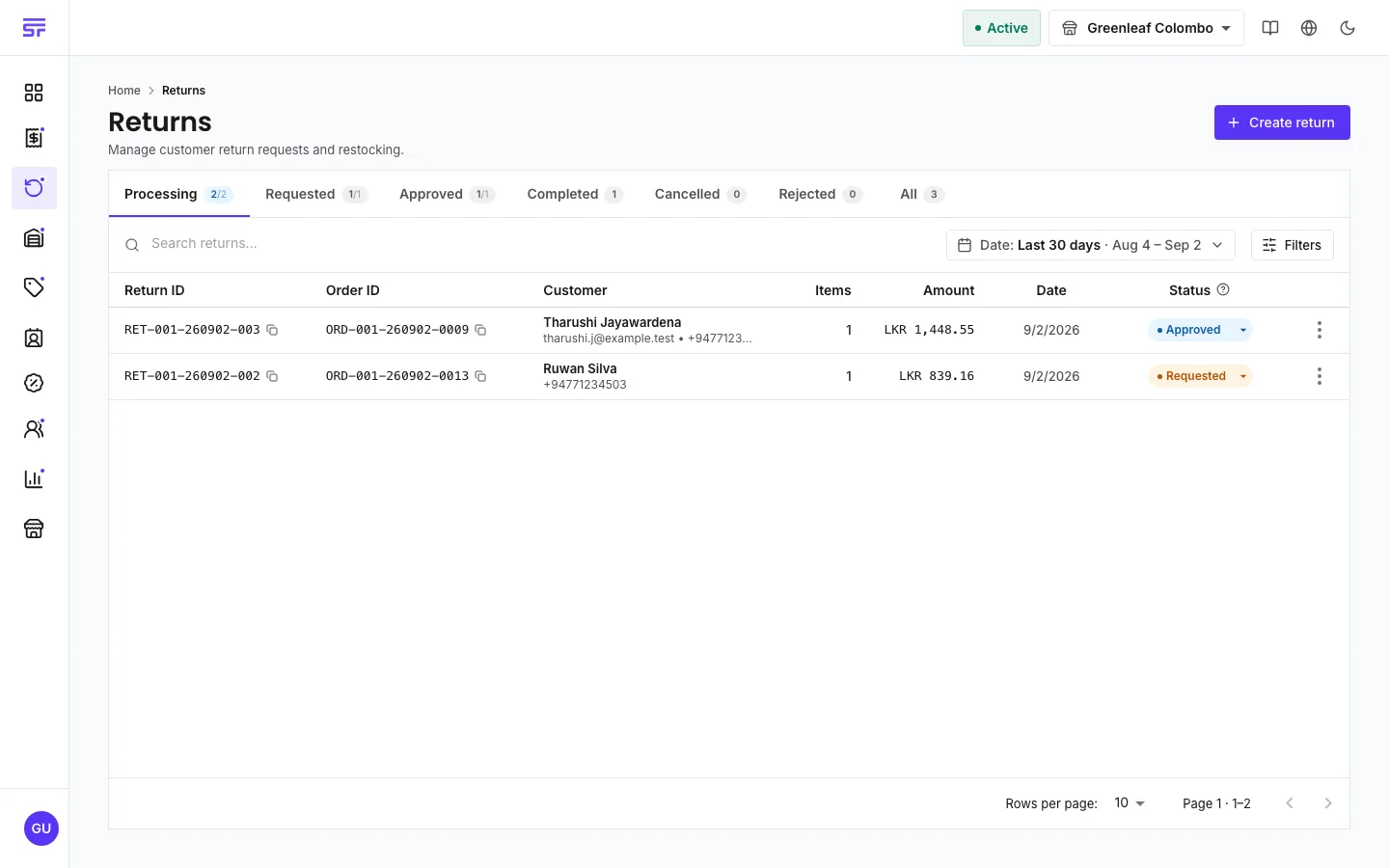
Requested → Approved → Completed, with Rejected and Cancelled as ways out.
Items sold by measure can be returned by measure. If a customer bought 1.5 kg, you can return 0.75 kg or the full 1.5 kg.
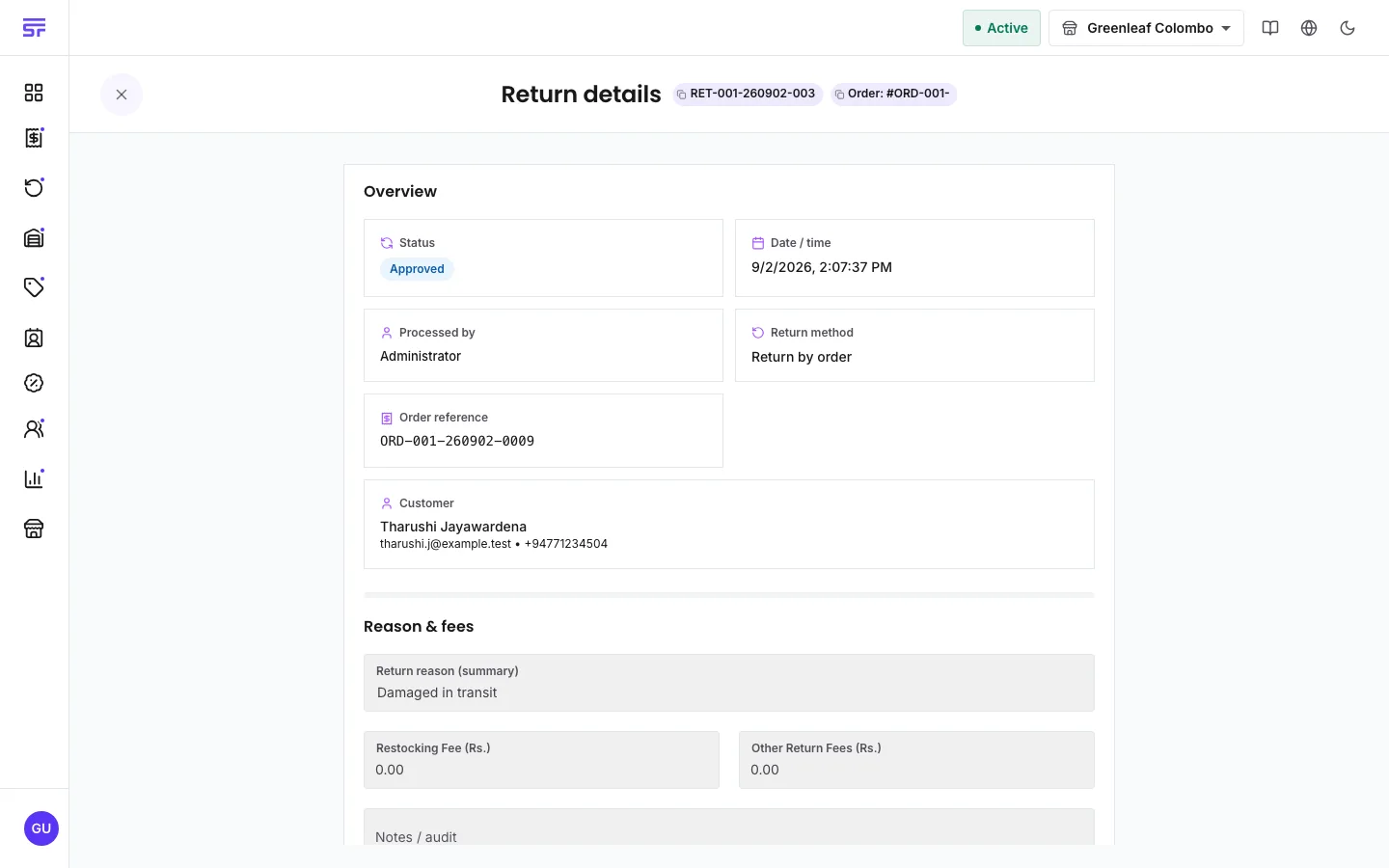
Open the return. Under Update return lifecycle status, the buttons change with its status:
You can also change the status from the Status menu on the returns list. Options the server would refuse are shown with the reason.
More can never come back than went out. For each item, the most you can return is what the order sold, less what earlier returns already took. Rejected and cancelled returns do not count. If you ask for too much, the message names the numbers, for example "the order only held 2".
Two people returning the same goods at the same time cannot both succeed. One is asked to try again.
The server values every return. The page only shows its answer. For each item, the value is:
Tax that was already inside the price is shown but never added again. Shipping and order charges are never refunded. The Restocking fee deduction and Return processing fee lower the total. Neither can be negative, and the total never goes below zero.
For a manual return with no order, the value is the unit price you type times the quantity.
RET- and are never reused.| Symptom | Cause | Fix |
|---|---|---|
| The order cannot be found or is refused. | The order is not completed yet. | Complete the order first, or edit it instead. |
| The quantity is refused. | Earlier returns already took some of it. | Return only what remains. The message says how much. |
| Cancel return is refused. | A refund on this return is still live. | Cancel or fail that refund first. |
| Complete return is refused on a tracked product. | Serial numbers or a batch are missing. | Pick the serial numbers or batch for each tracked item. |
| Complete return is missing on an approved return. | The return's refund is already completed, and the page then hides the button. | Change the status to Completed from the Status menu on the returns list. |
| Process refund is missing on a completed return. | The status buttons are hidden once a return is completed. | Open Refunds, click Process refund, and enter the return number. |
| Could not price this return. The amounts shown are list prices. | The server could not value the return just now. | Wait and reopen the return before you save. |
What happens to returned stock · Refunds · Editing and cancelling orders