
Images
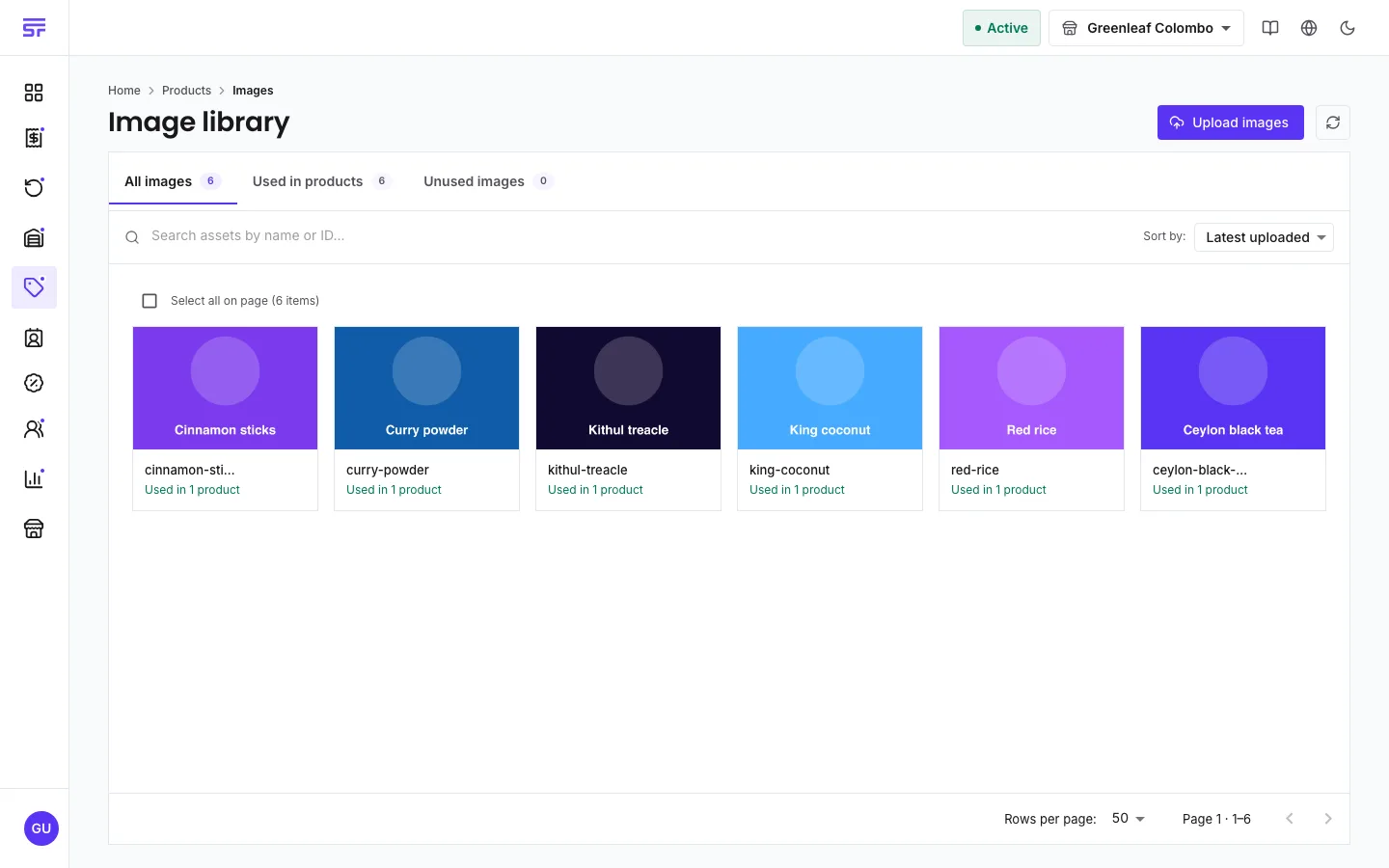
The shared image library: upload a picture once and use it on many products.
User guide
The shared image library: upload a picture once and use it on many products.
Product photos live in one image library for the whole business. Upload a picture once and attach it to as many products as you like.
Who can do this: the Administrator and the Admin and Inventory Manager roles manage the library. Store Admins and Reports Viewers can browse it.
| Rule | Detail |
|---|---|
| Format | JPEG, PNG, GIF or WebP only. Other files are refused as an unsupported image type. |
| Size | Up to 10 MB per file. |
| Name | Required. You can rename images later with Rename selected. |
Each image also has a web address. Copy URL puts it on your clipboard.
Select Delete, or select several and use Delete selected, then confirm with Delete permanently.
Deleting an image removes it from every product that used it at the same time. This includes products that used it as the main image. Their main image slot is then empty. The products themselves are not changed in any other way.
| Symptom | Cause | Fix |
|---|---|---|
| The upload is refused as an unsupported type. | The file is not JPEG, PNG, GIF or WebP. SVG is not accepted. | Save the picture in one of the four formats and try again. |
| The upload fails for a large photo. | The file is over 10 MB. | Make the file smaller and upload it again. |
| A product lost its main image. | The image was deleted from the library. | Upload the image again and pick it on the product. |