
Billing settings
A tour of the Billing page, block by block.
The Billing page is where you manage your subscription and how you pay. It reads from top to bottom. There is no single save button: each block acts on its own.
Who can do this: the Administrator only. Staff who open the page see No access to billing and the message "Billing and subscription details are managed by the business owner. Ask them if you need a change to the plan or the payment method." This is by design.
Click your name or initials in the sidebar to open the My Account menu, then choose Billing.
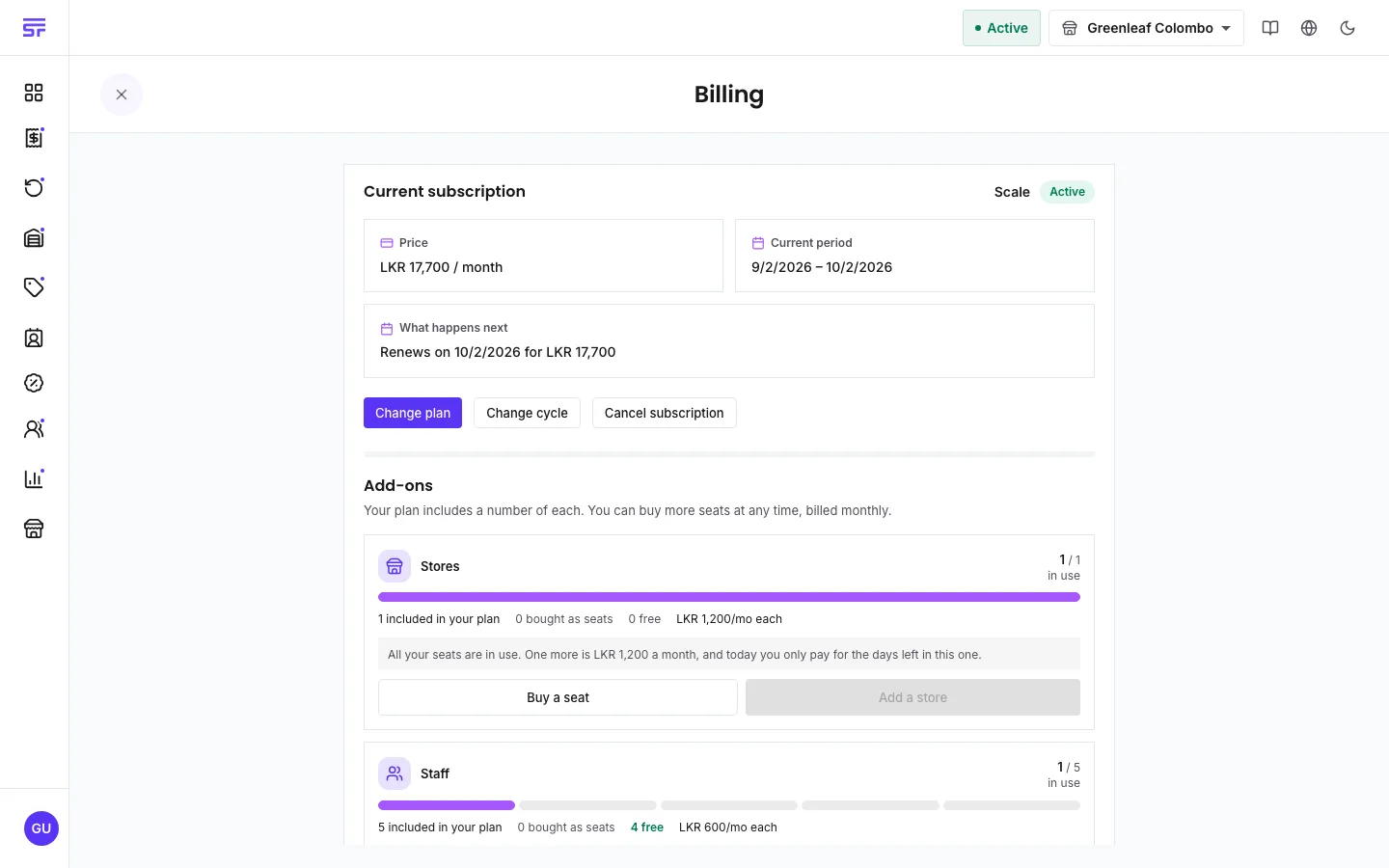
Every amount on this page is in your billing currency. That is your country's own currency or US dollars. It is set when you sign up and does not change.
This page stays open even when a payment problem has locked the rest of the app. The one page that must always work is the one that fixes the bill.
| Symptom | Cause | Fix |
|---|---|---|
| No access to billing | You are signed in as staff. | Ask the Administrator. |
| Billing is not in your menu. | Only the Administrator sees it. | Ask the Administrator. |
| Prices show as unavailable. | The price list could not be loaded just now. | Wait. The page tries again by itself. |
| The Add-ons block says all seats are in use. | Every seat you have is used. | Buy a seat, or disable a store or staff member first. |
How plans work · Seats and add-ons · Payment and the customer portal